



















Why Has AI Detection Become a Reflex?
There are two worlds, and they are blending more and more: text written “by hand” and text generated (partly or entirely) by models like ChatGPT, Gemini, Mistral, or Claude. As a result, we need a simple safeguard to check an assignment, an article, a sensitive email, or an internal document.
Concrete example: you receive an application with a flawless cover letter, a little too flawless (you can smell that “premium standard text” vibe). An AI detector does not replace your judgment, but it gives you a quick signal to decide whether to dig deeper.
What Is an AI Detector (And Why It Is Not a Judge)?
An AI detector is a tool that looks for statistical traces in a piece of text to estimate whether it was produced by a generative model. It does not “read” your mind, it does not see your screen, and it does not know whether you used AI. It calculates a probability.
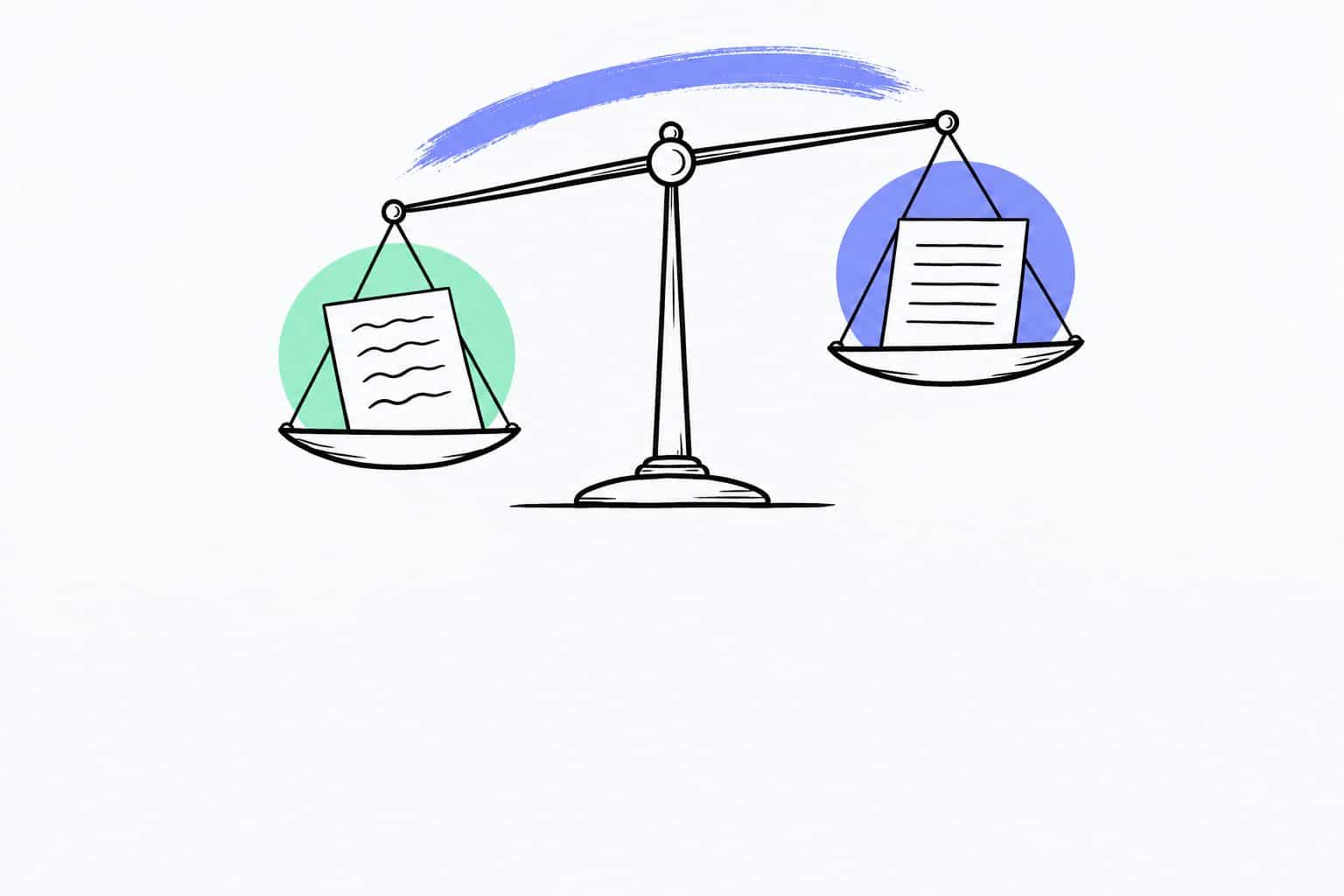
An important point (often confused): an AI detector is not a plagiarism checker. Plagiarism checks whether a text resembles existing sources. AI detection checks whether the style resembles model-generated output. These are two different angles (and sometimes, the results contradict each other).
Concrete example: a student can write a 100% original text and still be flagged as “likely AI” if their style is very smooth, very academic, and very predictable. On the other hand, a heavily edited AI-generated text can pass as “human.” It is frustrating, but that is the reality on the ground (better to know it before making a decision).
How To Choose a Reliable AI Detector (The Criteria That Really Matter)
On the SERP, you see many tools promising “100% accuracy.” In practice, the best criteria are more down-to-earth (and more useful).
Above all, look at: the ability to handle French properly, transparency about limitations, handling of false positives, mixed reading (human + AI), privacy, and clarity of the result. A good tool helps you make a decision; it does not yell at you.
Concrete example: for a teacher, a “very permissive” detector may let AI texts slip through. For an editor, a “very strict” detector may trigger extra checks (and sometimes that is exactly what you want). The question is not “which tool is nice,” but “which tool matches my level of risk.”
Best Practices After Detection (Without a Witch Hunt)
The best method is a small 3-layer protocol (simple, but solid): score, critical reading, proof of work. If all you have is the score, you do not have enough.
Ask for concrete elements: sources, screenshots, research plan, drafts, revision history, logic behind choices. For an article, ask “which fact is the most important, and why?” For an assignment, ask “which idea surprised you while writing?” An AI can answer, yes, but it often answers too well, too quickly, too smoothly.
Concrete example: in a company, you validate an internal document. The detector flags it as “likely AI.” Instead of blocking it, you run a targeted check: numbers, quotes, names, dates, and consistency with internal policy (that is where mistakes become costly). You save time and avoid pointless debates.
Privacy and GDPR (What You Need To Check)
When you paste text into an AI detector, the question is not only “does it work,” but also “where does my text go.” On a detection page, always look for the official position: whether it is stored or not, retention period, whether it is reused or not, and hosting conditions (even if that is not the most glamorous topic).
If your text contains sensitive data, anonymize what you can (names, numbers, personal information). It takes 30 seconds and avoids unnecessary stress (especially in a professional context).
Concrete example: you want to analyze a contract excerpt. Replace the parties’ names with “Company A” and “Company B,” and remove identifiers. You can test detection without exposing information that has no business being in a text field.
To go further on European compliance, you can also read our breakdown of the regulation: AI Act (European Regulation): Complete Explanation.
Why Nation AI Is Different (Simplicity, Pre-Prompts, Dedicated Tools)
Nation AI was designed for people who want AI, but not an airplane cockpit. The interface uses pre-prompt buttons (gardening, virtual friend, write an email, etc.) to guide users who do not know how to “speak prompt” (and that is perfectly normal). There are also dedicated pages for specific uses, with a specialized chatbot.
You can try it for free, without signing up, with all features included. Then, if you want unlimited use, the subscription is €19/month.
Concrete example: an older person wants to write an email to their town hall, but they do not know how to phrase it. They click “write an email,” describe their situation in two sentences (in their own words), and get back a clear version to review. Then, if they want to check that the email does not “sound” too AI-generated, they run the text through the detector accessible at the top of this page again (a simple, effective loop).
Want to try it now? Paste your text into the detector at the top of this page, get your score, then come back to this guide to interpret the result (and calmly decide what to do next).
Try it with Victor