
- A teacher switches it on for one assignment at a time, from the Plagiarism Review drop-down.
- At Las Positas College in California, “students cannot see AI reports at this time.”
- SafeAssign on Blackboard and originality reports in Google Classroom compare your text with existing sources: plagiarism checks, not AI detectors.
- In 2023, the University of Pittsburgh and Vanderbilt both disabled Turnitin’s AI detector.
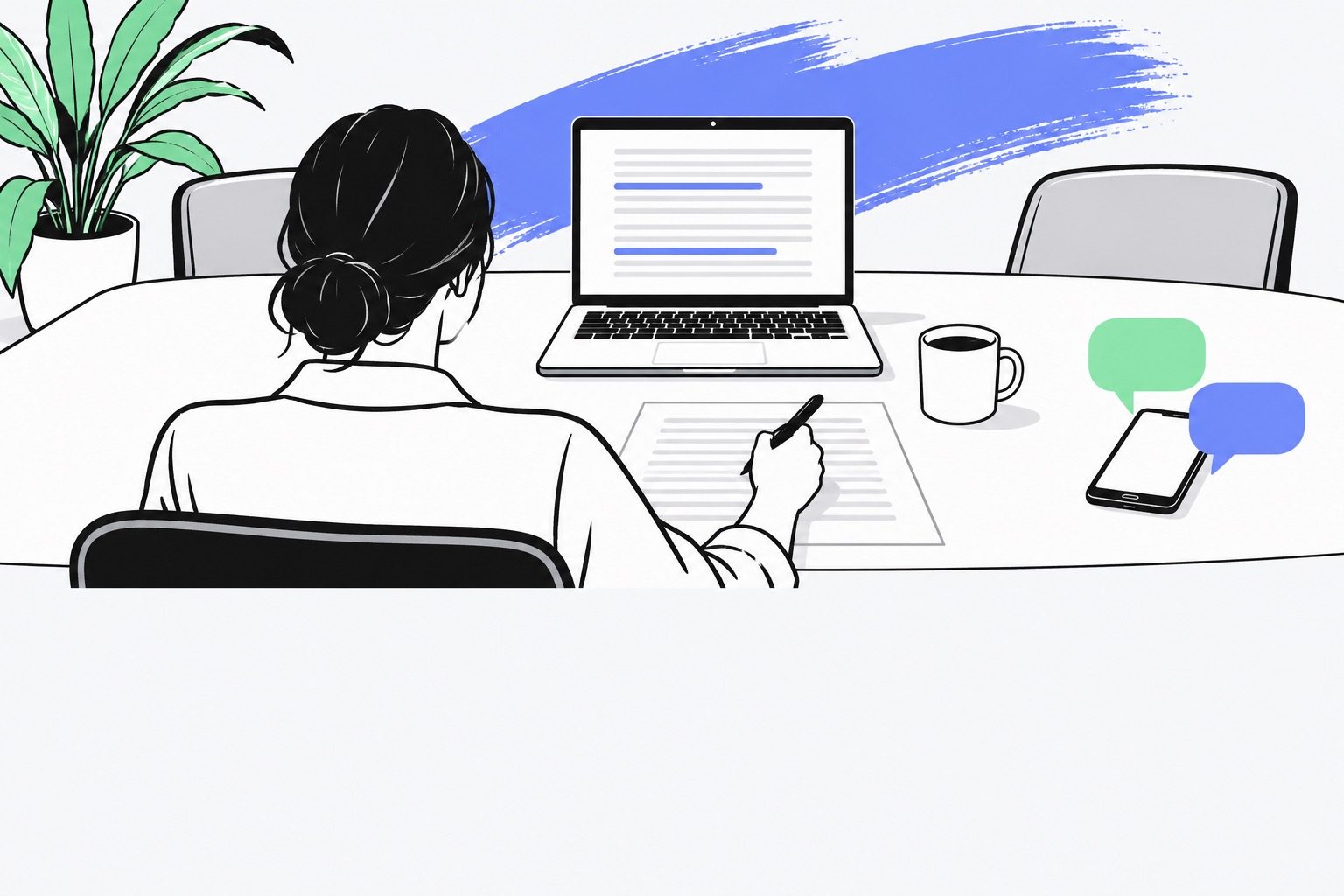
It is 11:40 pm. Your essay is finally done, the submission page in Canvas is open, and a classmate just texted that Canvas catches AI writing. The cursor sits on the Submit button. Before you click, know what Canvas checks on its own, who really gets to see an AI score, and how Victor can read one paragraph of yours first.
Can Canvas detect AI writing on its own?
Canvas does keep records of its own, but no verdict. For a quiz, “Each attempt will display timestamps and quiz action statuses in the quiz log,” and Instructure adds that quiz logs “are not intended to validate academic integrity or identify cheating for a quiz.”
The add-on your school may have switched on
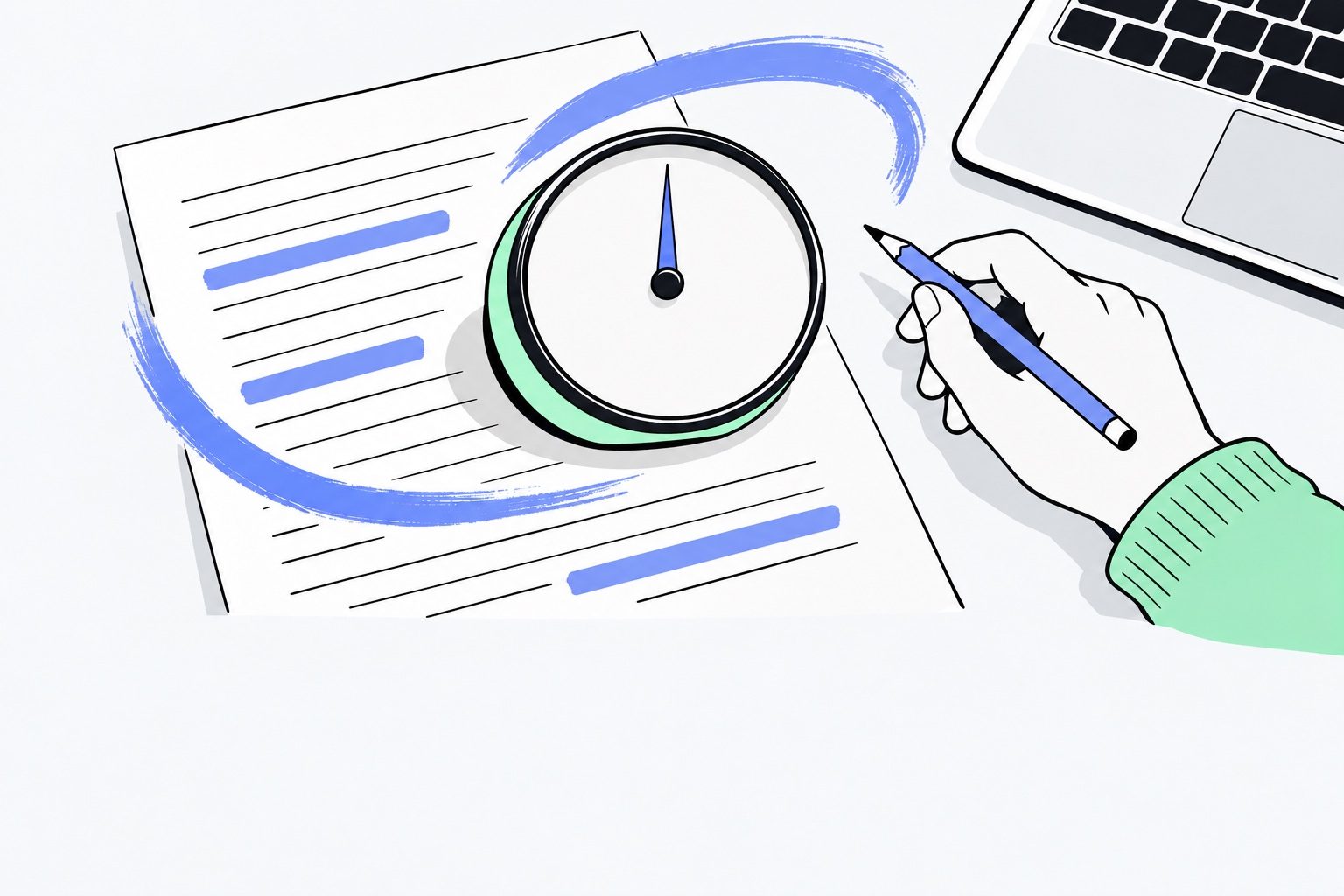
Inside Canvas, Turnitin works only if a teacher switches it on, assignment by assignment, under Plagiarism Review. The AI report then sits inside the Similarity report in SpeedGrader, where the grading happens. At Las Positas College, AI reports stay on the instructor’s side. The college has a reminder for anyone reading a score: “It’s helpful to remember that a similarity score or AI score doesn’t necessarily mean that a student has cheated.”
Canvas
No detector of its own
Instructure’s documentation names no built-in AI detector; Turnitin only appears when the school enables it on an assignment.
Blackboard
Plagiarism matching only
SafeAssign matches submissions against academic papers, and at the University of Alabama the Turnitin AI feature is no longer offered in Blackboard.
Brightspace
Turnitin as the partner
D2L’s platform pairs with Turnitin, and a community answer says the AI reports go to instructors by default.
Google Classroom
Originality, not AI
Originality reports compare a student’s files with webpages and books, and Google’s help page names no AI detection.
The schools that turned it off
Myth
Schools on Canvas run every essay through an AI detector.
Reality
Vanderbilt turned its AI detection off “for the foreseeable future,” with its own estimate that about 750 papers could have been mislabeled in one year. At the University of Pittsburgh, the teaching center disabled it as well.
Vanderbilt’s advice to its teachers is simple: “If you have concerns about students misusing AI, talk to them about it.”
The rules sit with your school, not the platform
Instructure pushes integrity questions outside its own records: “If you are looking to investigate potential academic integrity or cheating concerns, we recommend that you first work with the academic affairs office, academic technology office, or other office charged with handling academic misconduct matters within your institution.” The campuses that removed the detector reason the same way. Vanderbilt told its instructors to communicate with students early, and wrote that “we do not believe that AI detection software is an effective tool that should be used.” Victor puts the practical side in one line: “Be truthful about any AI assistance, and check the assignment’s rules.”
One paragraph goes to Victor before the upload
Back at your desk, curiosity wins.
With Victor
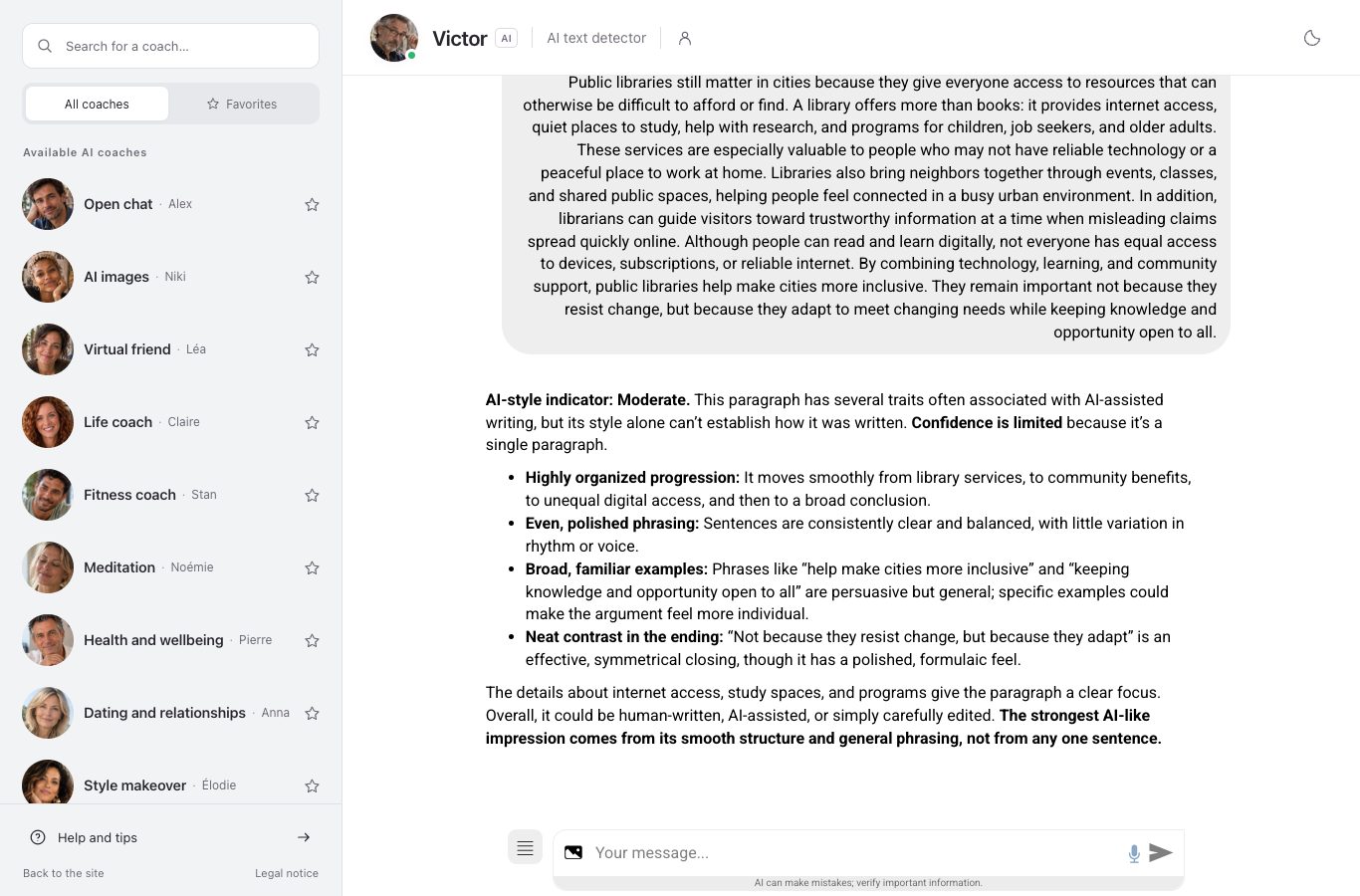
Before I upload my essay, I want to see how you read. Here’s a sample paragraph an AI assistant wrote, the one about public libraries and digital access. What do you see?
“AI-style indicator: Moderate. This paragraph has several traits often associated with AI-assisted writing, but its style alone can’t establish how it was written. Confidence is limited because it’s a single paragraph.”
“Highly organized progression: It moves smoothly from library services, to community benefits, to unequal digital access, and then to a broad conclusion. Even, polished phrasing: Sentences are consistently clear and balanced, with little variation in rhythm or voice.”
“The details about internet access, study spaces, and programs give the paragraph a clear focus. Overall, it could be human-written, AI-assisted, or simply carefully edited. The strongest AI-like impression comes from its smooth structure and general phrasing, not from any one sentence.”
And if I upload my own essay to a Canvas assignment, will Canvas itself flag it as AI-written?
“So, I can’t predict whether your submission will be flagged. If you’re unsure, ask your instructor or school’s Canvas support what tools are enabled. And remember: an AI detector’s result is an indicator, not proof of how a text was written.”
The reply gives a level, low, moderate or high, and the signals behind it. No percentage, no verdict on a person. That read comes from the free AI checker on Nation AI: paste any text, no account needed.
Victor
AI text detector
“Send me a paragraph and I hand back a style index, low, moderate or high, and point to the signals that produced it. My read is a stylistic indicator, never a proof: I don’t conclude that a student cheated from style alone.”
When your teacher says it reads like AI
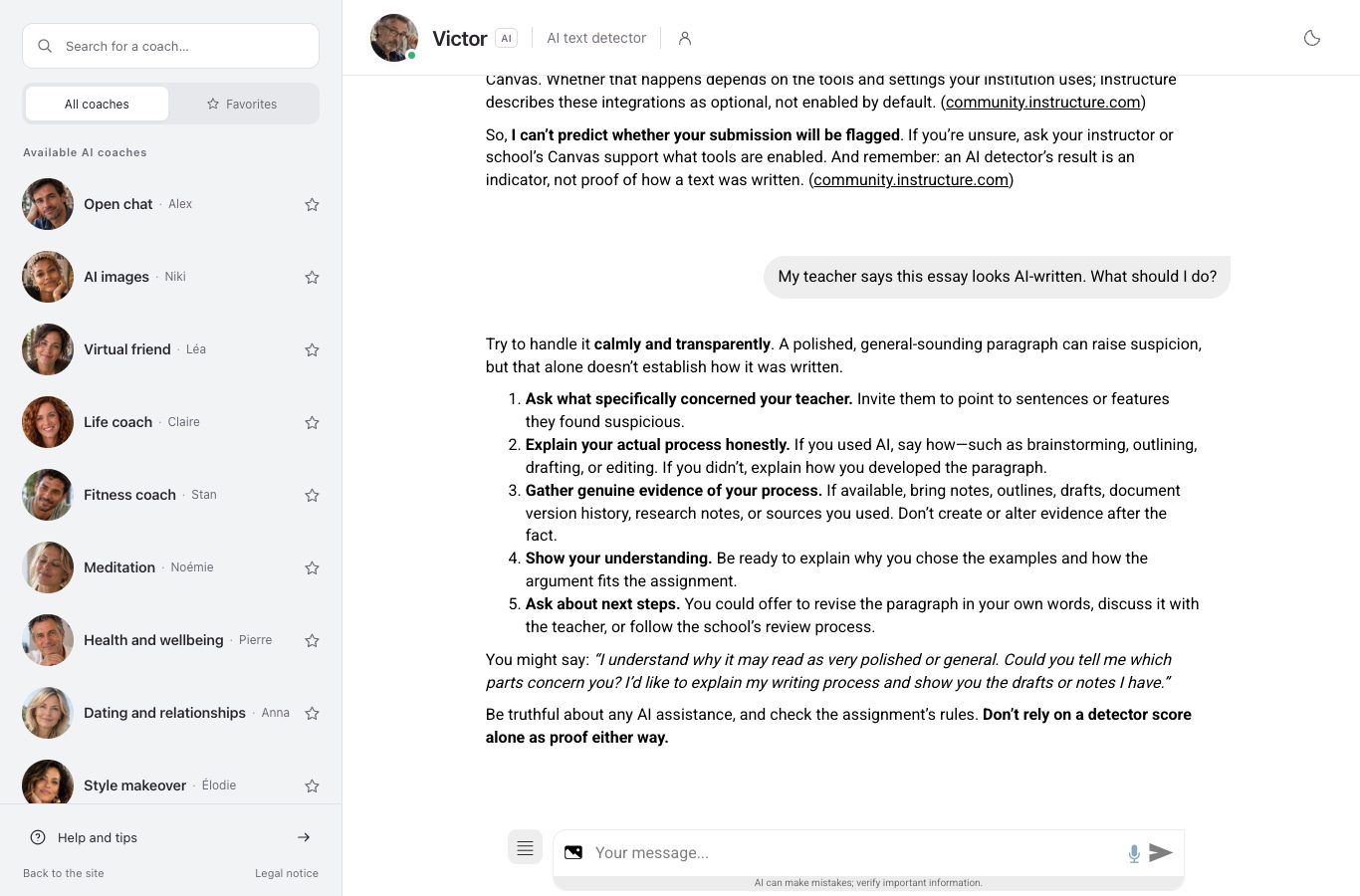
Suppose the email comes anyway: your essay reads as if a machine wrote it. Victor’s first words: “Try to handle it calmly and transparently. A polished, general-sounding paragraph can raise suspicion, but that alone doesn’t establish how it was written.” His next move is a question: “Ask what specifically concerned your teacher. Invite them to point to sentences or features they found suspicious.”
What to say
Okay, what do I do first?
“Gather genuine evidence of your process. If available, bring notes, outlines, drafts, document version history, research notes, or sources you used. Don’t create or alter evidence after the fact.”
“Ask about next steps. You could offer to revise the paragraph in your own words, discuss it with the teacher, or follow the school’s review process.”
And what do I actually say to my teacher?
“You might say: ‘I understand why it may read as very polished or general. Could you tell me which parts concern you? I’d like to explain my writing process and show you the drafts or notes I have.’”
- Open your document’s version history: in Google Docs, “Last edit” sits at the top right and shows earlier versions.
- Bring your notes, outlines and drafts; be ready to explain why you chose them.
- Ask your teacher which parts concern them, and offer to walk through them together.
Victor’s heads-up
Don’t create or alter evidence after the fact, and don’t treat a detector score as proof in either direction.
If you would rather catch those tells yourself, our piece on the signs of AI writing walks through them.
Questions students ask before they submit
Can Canvas tell if ChatGPT wrote my essay?
Not on its own. In Instructure’s documentation read in October 2026, no page names a native detector. What looks like a Canvas AI check comes from a separate tool: at Las Positas College, Turnitin is there “to check student submissions for potential plagiarism and AI-use.”
Who can see an AI score in a Canvas course?
Your teacher, and only through a tool such as Turnitin switched on for the assignment. The report opens in SpeedGrader, inside the Similarity report.
Do students get to see their Turnitin AI score?
Usually not. At Las Positas College, the AI report stays on the teacher’s side for now, and in Brightspace a community answer says the reports go to instructors by default.
Is Victor free to try?
Yes: a few messages without an account or a card. After that, $9 covers two weeks and unlimited runs $19 a month. Prices read on October 30, 2026.
Before you upload, let Victor read a paragraph
Paste your text and get his style index and signals, free, with no sign-up.
Sources
- Vanderbilt University, guidance on AI detection and the Turnitin decision, August 16, 2023.
- University of Pittsburgh, a teaching center guide for Canvas instructors, June 2023.
- Las Positas College, LPC: Turnitin.
- Seton Hall University’s page on Turnitin AI Detection.
- A notice on Turnitin AI writing detection, University of Alabama.