- A JPG or PNG under 50 MB; podcasts take 10 MB on mobile.
- Shorts go vertical: 2,160 x 3,840 pixels in a 9:16 ratio.
- The old 1,280 x 720 still clears the 640-pixel floor; the 4K canvas is today’s recommendation.
- Send one of the four prompts to Niki, add the title with your usual app, then upload.
Marcus has a first personal finance video ready, and two browser tabs disagree: 1,280 x 720 pixels in one, 3,840 x 2,160 in the other. The dates on YouTube’s own pages settle which number wins; the four prompts then give Niki the picture, free side included.
Which YouTube thumbnail size is right?
Both numbers sit on the same YouTube help page for thumbnails: the dates tell them apart.
-
August 2025
1,280 x 720 pixels, 640 pixels of width at least, files under 2 MB.
-
October 29, 2025
The YouTube blog announces a file cap rising from 2 MB up to 50 MB, to serve 4K thumbnails on TV screens.
-
March 13, 2026
Neal Mohan, YouTube’s chief executive, wrote on X that “all creators can now upload 50MB thumbnails (up from 2MB)”.
-
November 2026
The live page asks 3,840 x 2,160 pixels and 50 MB, on a phone as on a computer.
The two numbers never contradicted each other: the small one ruled in 2025, the large one rules now. A 1,280 x 720 file still passes the 640-pixel minimum, so an old picture goes up without a hitch; the big canvas, “as large as possible”, serves the preview inside embedded players.
The specs at a glance
All the numbers to check, in one table.
| Spec | Video | Shorts | Podcast |
|---|---|---|---|
| Size | 3,840 x 2,160 | 2,160 x 3,840 | Not stated |
| Ratio | 16:9 (wide) | 9:16 (tall) | 1:1 (square) |
| Minimum | 640 px wide | 640 px high | Not stated |
| Desktop cap | 50 MB | 50 MB | 50 MB |
| Mobile cap | 50 MB | Not stated | 10 MB |
Read on YouTube’s Help page.
The 1:1 square is for podcast playlists. One case sits outside the table: on a vertical video, the 16:9 thumbnail keeps its place in the watch feed, but the home, explore and subscription feeds swap it for a 4:5 image generated automatically.
Four thumbnail prompts to copy
A size gets the upload through; a picture earns the click. YouTube’s tips page credits custom thumbnails for “90% of the best-performing videos”, and asks for as large a picture as you can get, an easy-to-read font if you add words, and a design kept simple. Each prompt below runs in our AI picture generator: copy, paste, send.
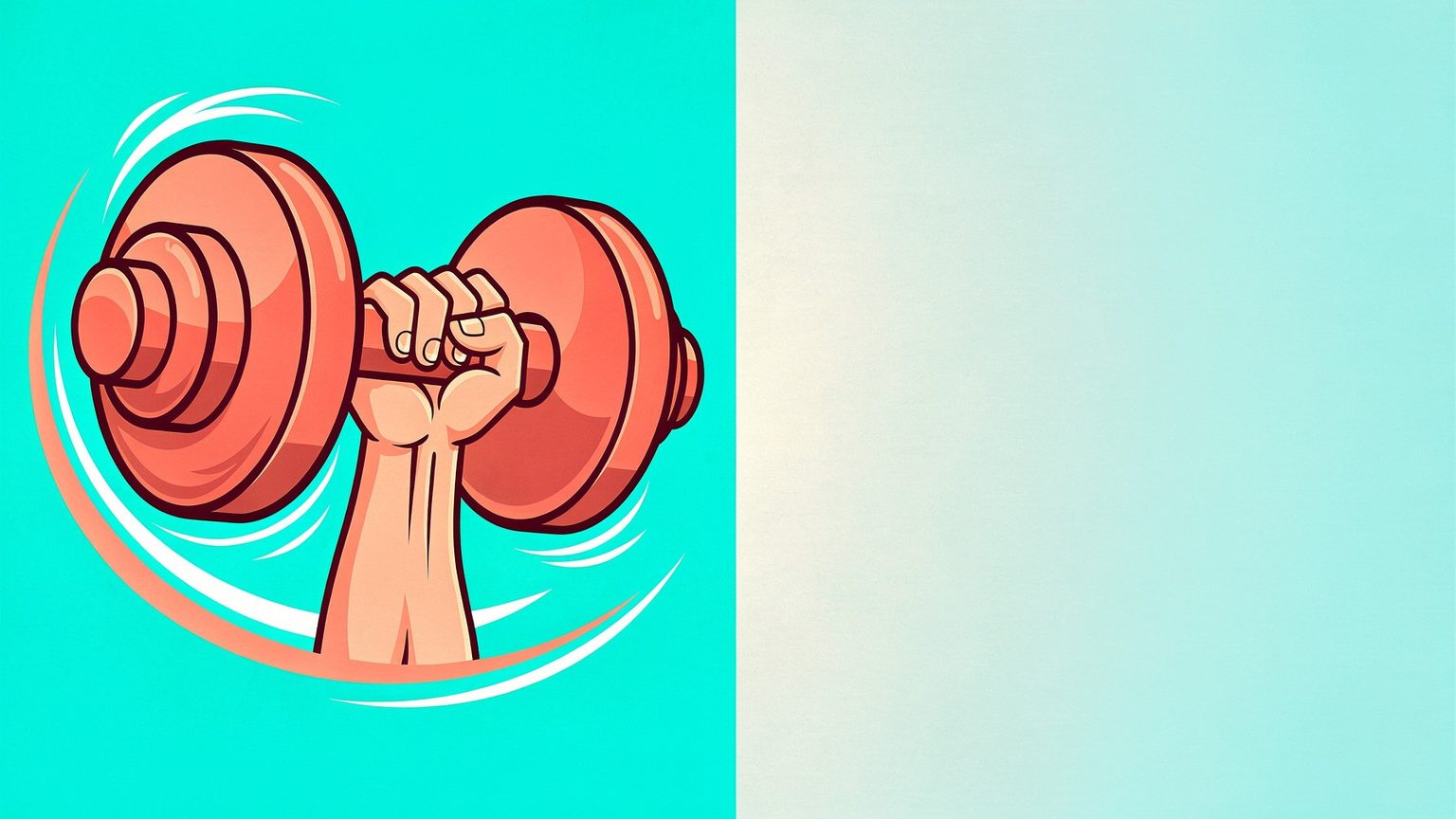
For a home workout video, this first prompt is ready to send.
Home workout thumbnail
Create a bold thumbnail for a home workout video: on the left third, a giant dumbbell in vivid coral, gripped by two energetic hands, with dynamic motion lines around it. The background behind is a flat bright turquoise, simple and highly contrasting. The right two-thirds stay almost empty in a pale flat tone, ready for a title added later. No text, no letters, no logo.
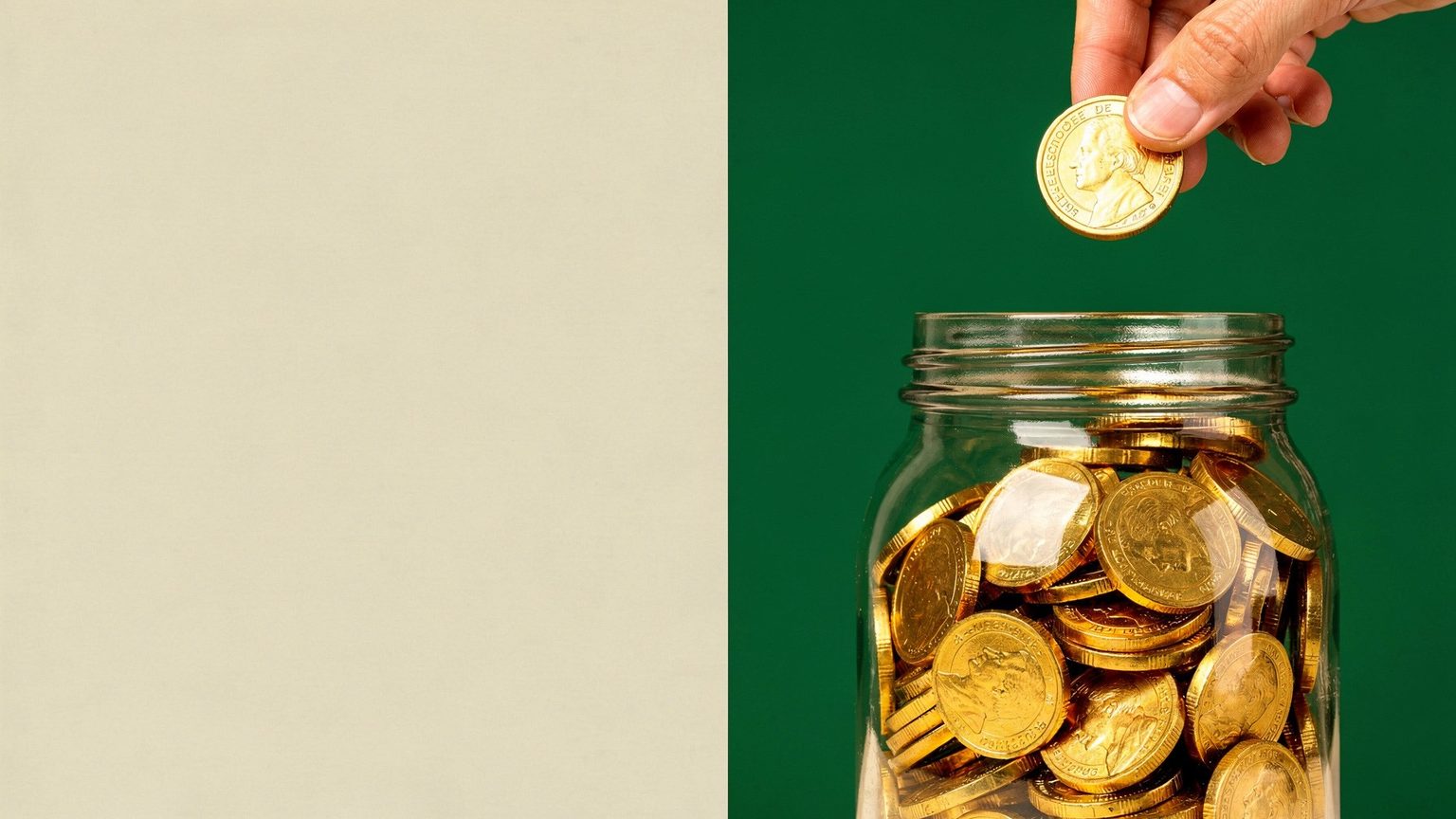
The second one suits a personal finance channel, Marcus’s kind of video.
Personal finance thumbnail
Create a bold thumbnail for a personal finance video: on the right third, a giant glass jar overflowing with shiny golden coins, a hand dropping one more coin in. The background behind is a deep green flat color, simple and highly contrasting. The left side stays wide open in a soft cream flat tone, ready for a title added later. No text, no letters, no logo.
Tech unboxing day gets the third.
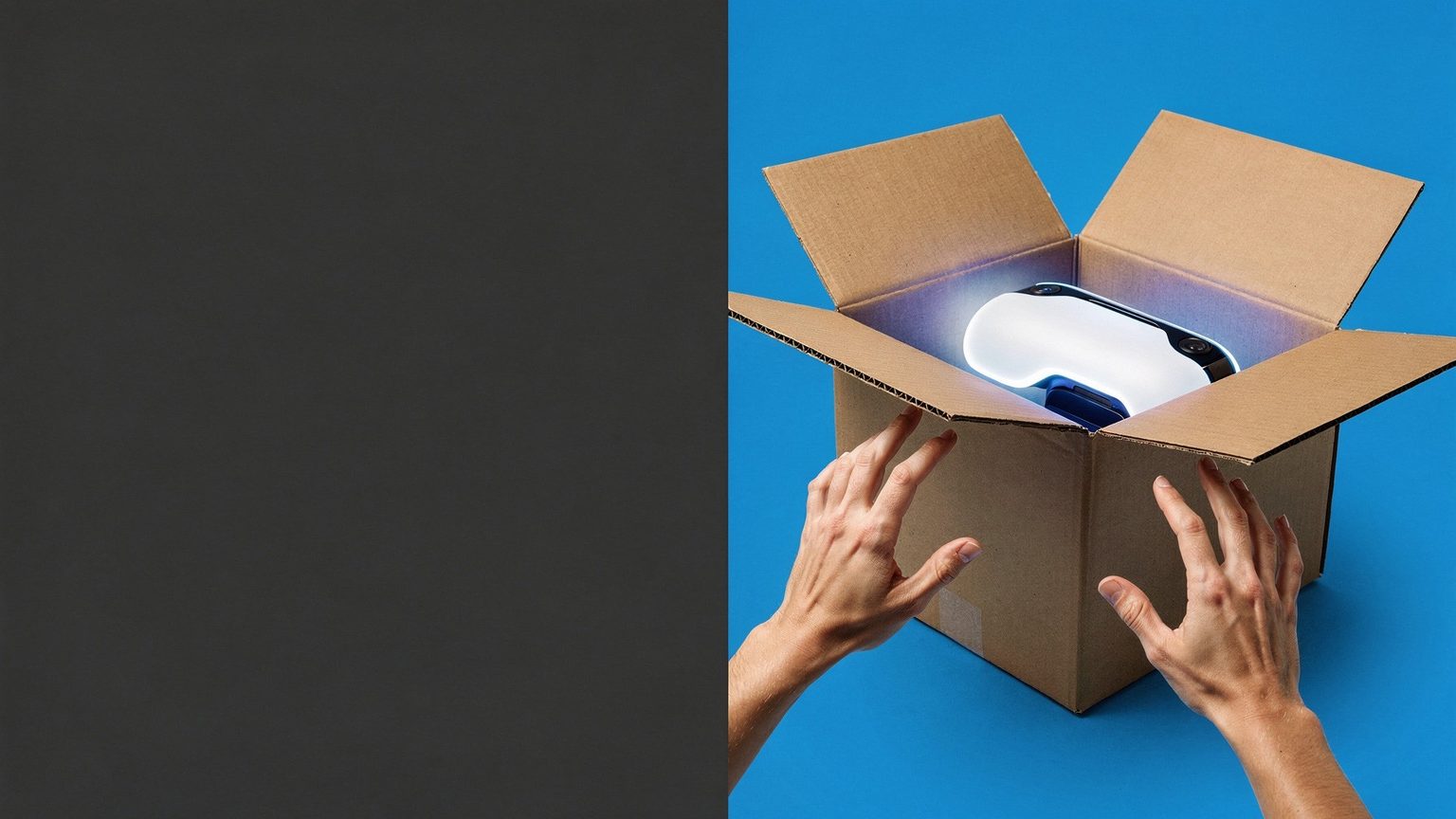
Tech unboxing thumbnail
Create a bold thumbnail for a tech unboxing video: on the right third, a giant unmarked cardboard box flung open, revealing an anonymous sleek gadget glowing from inside, two curious hands hovering over it. The background behind is a flat electric blue, simple and highly contrasting. The left side stays empty in a dark flat tone, ready for a title added later. No brand, no text, no letters, no logo.
The last one packs for a camping or travel video.
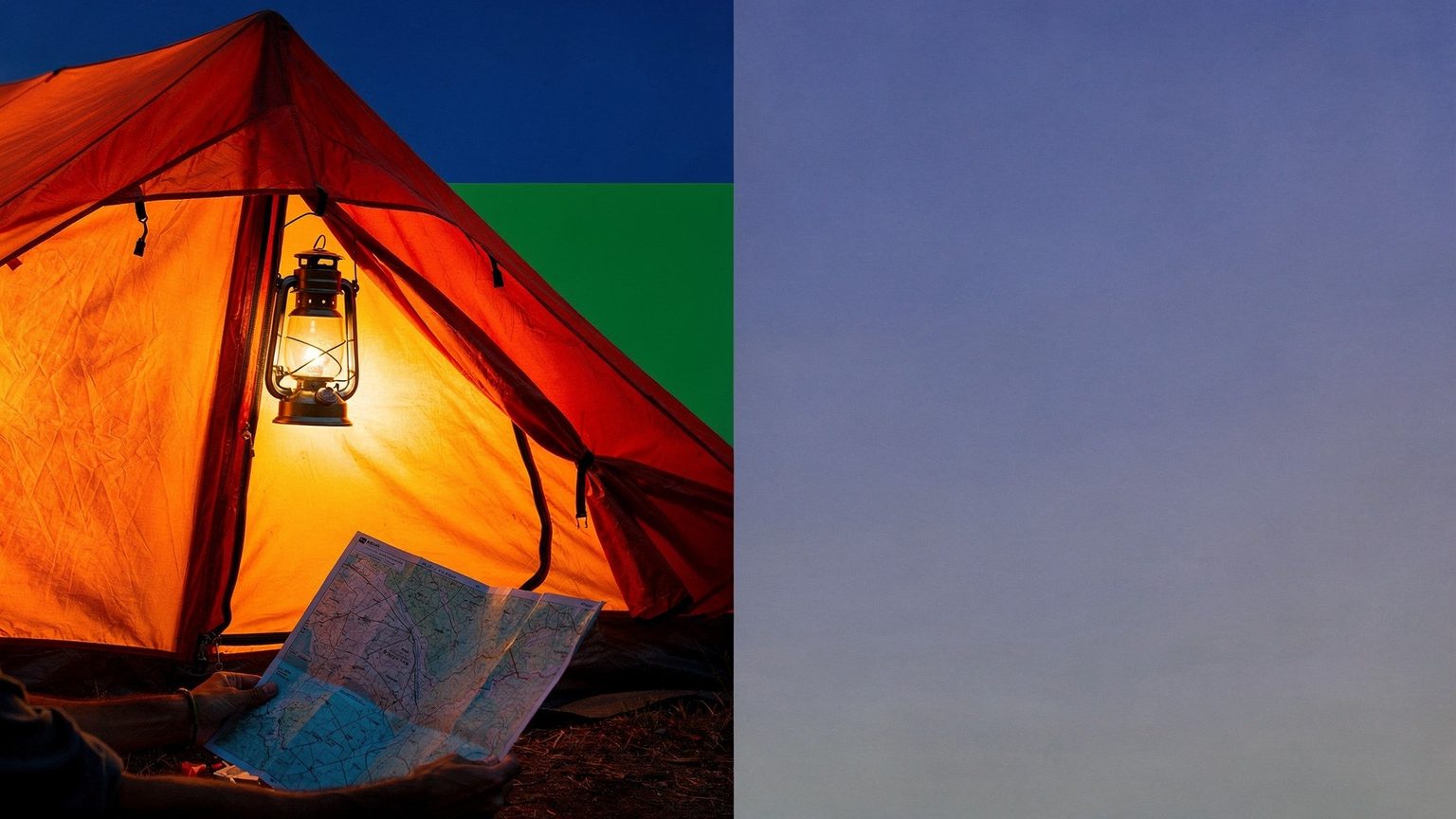
Camping trip thumbnail
Create a bold thumbnail for a camping trip video: on the left third, a giant orange tent glowing from within at dusk, with a lantern hanging at the door and a folded map in a hand. Behind it, the background reduces to flat bands of deep indigo sky and forest green, simple and highly contrasting. The right side stays open in a soft dusk tone, ready for a title added later. No text, no letters, no logo.
Our image prompt examples hold a hundred more.
From Niki to YouTube Studio
Niki draws the picture from a sentence, or edits a photo you send; the steps below carry the file from the chat to a live test.
-
Make the picture in Niki
Pick Landscape among the three buttons of the chat, then send the prompt. The file comes out at 1,792 x 1,024 pixels, opens in high definition, stays online 48 hours: save it right away.
-
Trim to exactly 16:9
1,792 x 1,024 gives 7:4, a touch too tall. Cut the height to 1,008 pixels: the canvas sits at 1,792 x 1,008, exactly 16:9, with 16 rows of pixels gone.
-
Mind the test floor, then 4K
1,792 x 1,008 clears the A/B-test floor of 1,280 x 720; if even one picture sits under it, YouTube downscales the whole test to 854 x 480. For the full 3,840-pixel width, scale the file by 2.14.
-
Add the title, then upload
The title goes on first, with your usual image app: big words, few of them, on the free side of the canvas. Only then open Studio, “Thumbnail”, and choose “Upload file”; Studio can also suggest pictures, and a custom image asks for a verified account.
-
Compare up to three, keep the winner
The A/B test runs three thumbnails or titles against one another; watch time picks the winner within two weeks, on a computer only. Shorts, scheduled lives and Premieres stay out.
Enlargement has its own rules: our guide on how to improve image quality shows the free ways to scale a picture.
Niki warns you
A picture that promises what the video does not show counts as misleading, and the thumbnail policy adds: AI that copies “the voice or likeness of an individual” to pass a channel off as theirs breaks the rules. Declarations are another matter: the disclosure page asks for one when AI content seems realistic, but a thumbnail made with generative AI counts as production assistance.
Niki
AI image generator
“Give me the sentence and I paint the picture; hand me a photo and I edit it, the resemblance being yours to check. Portrait, landscape or square, I keep one side quiet for your title.”
Frequently asked questions
Is 1,280 x 720 still enough?
It was YouTube’s recommendation in 2025. It still clears the 640-pixel minimum and keeps its 16:9 shape; the canvas asked for today is 3,840 x 2,160.
What about 1,920 x 1,080?
Right ratio: 1,920 x 1,080 is exactly 16:9, sized between the old recommendation and the new one. It uploads; it carries fewer pixels than the 4K canvas.
How heavy can the file be?
Fifty megabytes on a computer for the three formats. On a phone, video thumbnails take 50 MB too, and podcasts 10 MB.
Do I need to declare an AI-made thumbnail?
For thumbnails, no declaration: one created or improved with generative AI counts as production assistance on YouTube’s disclosure page. Elsewhere, AI content that seems realistic must be declared, and a photorealistic result may carry a label in the player.
Your next thumbnail is one sentence away.
Send a prompt from the list above, and Niki returns a landscape picture, free to try, with no account to create.
Sources
- “Add custom thumbnails on YouTube”, YouTube Help.
- “Thumbnails policy”, YouTube Help.
- “A/B test titles & thumbnails”, YouTube Help.
- “Disclosing use of GenAI content”, YouTube Help.
- “Thumbnail & title tips”, YouTube Help.
- Post on X, Neal Mohan, March 13, 2026.
- “5 New Features to Help Creators Shine on TV Screens”, YouTube blog, October 29, 2025.