- Instagram’s publishing tools accept a 9:16 story image as a JPEG of 8 MB at most, and photos you post are sized to a width of 1,080 pixels.
- Meta’s canvas for Stories ads is larger, 1,440 x 2,560, and it keeps the same 9:16 ratio.
- On Stories ads, Meta asks for roughly 14 percent of the top and 35 percent of the bottom free of text and logos; ordinary stories get no published figure.
Maya teaches sunrise yoga in Tucson and posts her class schedule as a story. Week after week, the last line of her schedule disappears behind the reply bar, and a student shows up at the wrong time. This article gives the sizes to use, the strips to keep clear, and three scenes Niki can build for your next story.
Which Instagram story size should you build on?
No page at Instagram stamps an official pixel size on ordinary stories, so the working answer comes from two official canvases. Instagram’s publishing API recommends a 9:16 image for a story, and uploaded photos are sized down to a width of 1,080 pixels; at that width, 9:16 works out to 1,080 x 1,920. Meta’s ads guide, written for the ad side, sets its Stories canvas at 1,440 x 2,560. Both land on the same 9:16 ratio.
Our advice
Your own story posts
1,080 x 1,920
The 9:16 ratio at the photo width Instagram works with, 1,080 pixels. Any story design starts there.
Stories ads
1,440 x 2,560
The larger canvas Meta’s ads guide assigns to image ads in Stories. Same 9:16, so one design scales to the other.
How much top and bottom to leave empty
The app draws its own furniture over the picture: the profile icon rides the top, the reply bar holds the bottom. Meta quantifies the room an ad should spare, roughly 14 percent of the height at the top, 35 percent at the bottom, and 6 percent of the width on each side, kept free of text and logos. Those numbers are written for Stories ads; Instagram sets no matching figure for ordinary stories. Applied to both canvases, the bands come out like this.
| Zone kept free | On 1,080 x 1,920 | On 1,440 x 2,560 |
|---|---|---|
| Top band | about 269 px | about 358 px |
| Bottom band | 672 px | 896 px |
| Each side | about 65 px | about 86 px |
Percentages Meta sets for Stories ads, applied to both canvases.
The middle band stays yours: put the class schedule, the price or the call to action there, outside the reach of the profile icon and the reply bar.
What your other Instagram visuals ask for
A story is one frame among several. The feed photo, the reel cover and the carousel each keep their own rules.
Feed photo
1,080 px wide
Heights from 566 up to 1,440 px keep their resolution, at ratios between 1.91:1 and 3:4.
Reel cover
420 x 654 px
The recommended cover size, a 1:1.55 ratio; a cover cannot be edited once the reel is up.
Carousel
Up to 20 items
Photos and videos travel as one post, and the orientation you choose rules every slide in it.
Three scenes you can send tonight
A prompt can hold the whole frame for you. The three below ask for a vertical scene that runs to every edge. To run one, open Niki’s chat, choose what you want done, tap Portrait among the three format buttons, and only then paste the prompt into the message.
The button next to each prompt opens our AI picture generator: it turns a description into a picture, or reworks a photo you already have.
Yoga studio sunrise
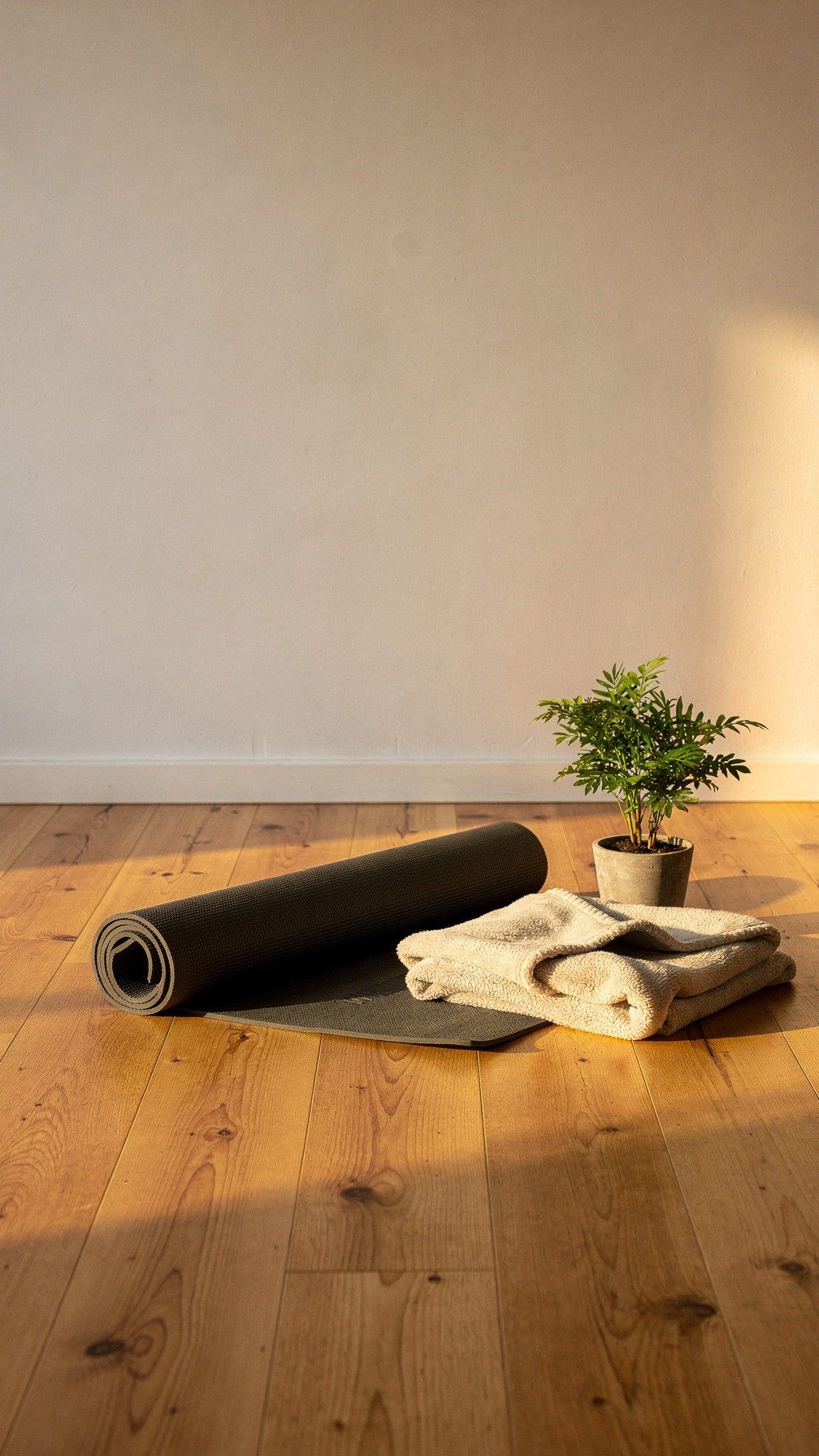
Create a yoga studio at sunrise: in the middle of the image, a neatly rolled mat lies on a warm wooden floor beside a folded blanket and a small plant. The scene reaches every edge: the top stays a calm pale wall washed with early light, the bottom keeps the quiet grain of the floorboards. Soft golden glow, long gentle shadows, serene mood. No text, no letters, no logo.
Farmers market stall
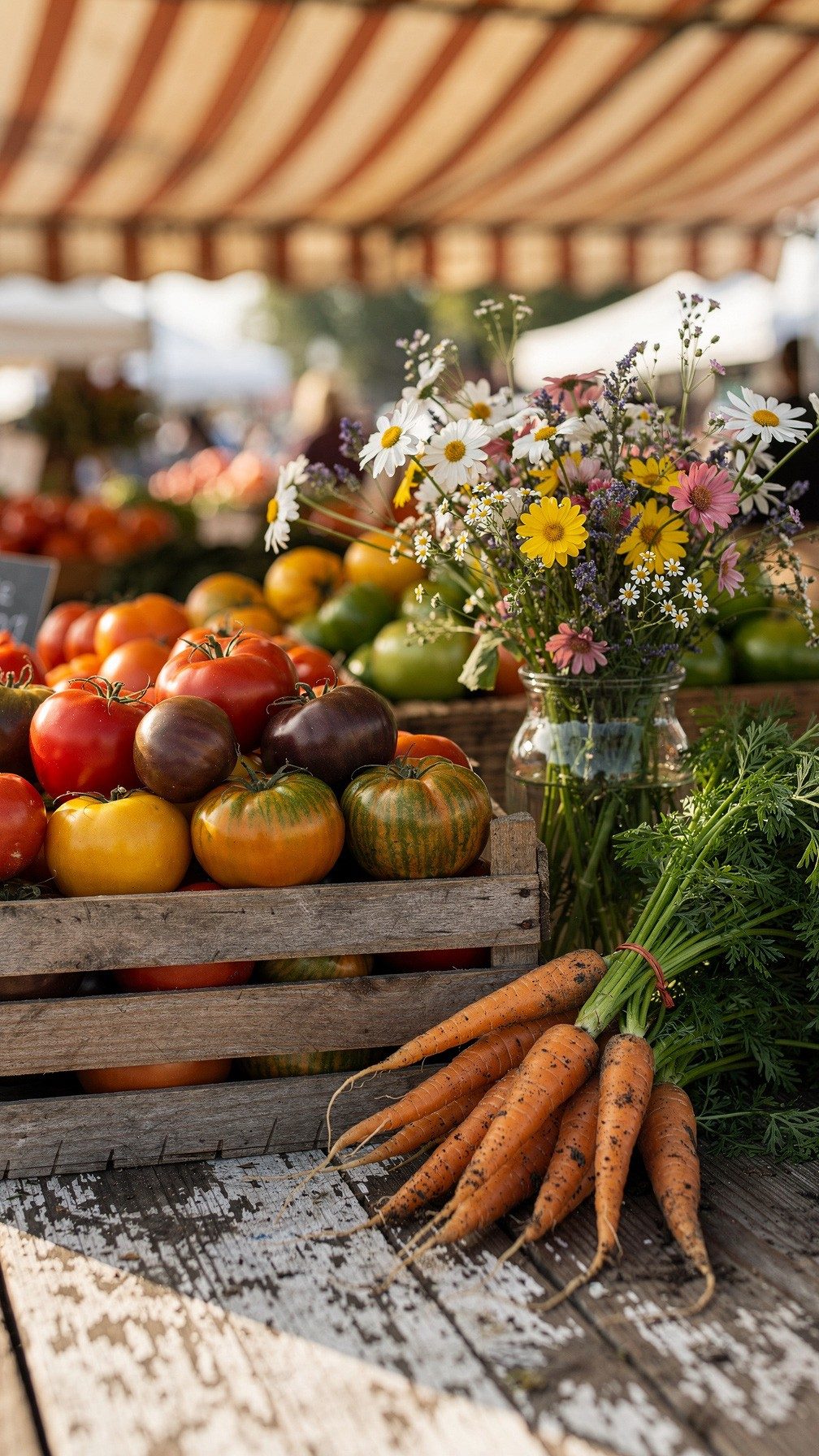
Create a farmers market stall in the morning: in the middle of the image, a slatted crate overflows with heirloom tomatoes, bunches of carrots and a jug of wildflowers. The scene fills the frame edge to edge: the top stays a striped awning fading into soft shade, the bottom keeps the worn planks of the table. Clear early light, generous colors, cheerful summer mood. No text, no letters, no logo.
Book club table
Create a book club table in a living room: in the middle of the image, a low coffee table holds a stack of well-read novels, two mugs of tea and a plate of cookies. The scene runs to every edge: the top stays a sofa back with soft cushions in gentle focus, the bottom keeps a wool rug in warm quiet tones. Friendly afternoon light, unhurried mood. No text, no letters, no logo.
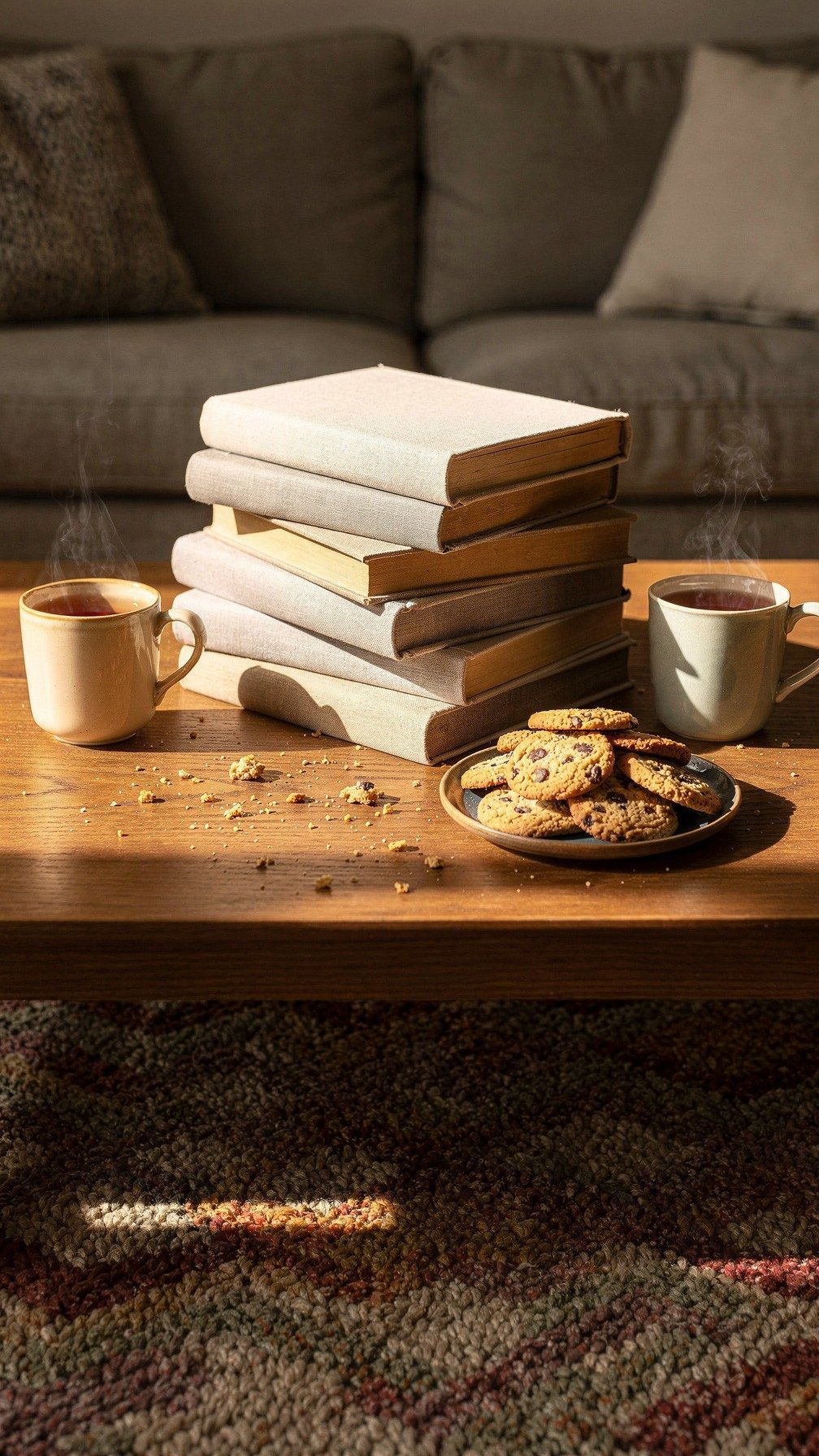
For this picture, Niki’s first try came back with lettering on the spines, even though the prompt asked for none; a second message, still in the same conversation, had it taken off. If it shows up on yours, one more message gets it removed.
Each scene is a prompt for Niki; the Portrait button is what sets the vertical frame. For other subjects, our library of image prompt examples holds over a hundred wordings to copy.
Trim the file, then post it
Niki’s portrait files come out at 1,024 x 1,792, a touch wider than a strict 9:16. Four moves put the file in line.
-
Save the picture first
Niki’s image opens in HD, and it stays available in the chat for 48 hours; save it the moment you like it.
-
Trim to a true 9:16
Cutting the width to the story ratio takes the file to 1,008 x 1,792, letting go of 16 pixels of width.
-
Scale up to the canvas
The trimmed file grows by a factor of 1.0714, up to 1,080 x 1,920.
-
Add the words in the app
Post the story from the Instagram app and lay your text across the middle of the frame, clear of the profile icon and the reply bar.
Should the enlarged file look softer than you like, our improve image quality guide lists free ways to lift a picture’s resolution.
Niki’s word of caution
Instagram’s terms put the rights on your side: by posting, you state you hold every right to what you share, stories included. A story built with AI can carry an AI label on Meta’s apps, while a picture only retouched with AI shows no direct label on the story; the signal stays visible through the options instead.
Niki
AI image generator
“Ask me for a story scene and I hold the top and the bottom quiet, the way the profile icon and the reply bar like it. Send me a photo of your studio or your stall and I rework it to the same vertical frame; the trial is free, with a few messages and no account.”
Frequently asked questions
What ratio is 1,080 x 1,920?
Nine to sixteen: 1,080 divided by 1,920 lands on 0.5625, and so does 9 divided by 16. The ad canvas at 1,440 x 2,560 gives the identical number.
Does a landscape photo work in a story?
The story frame is vertical; no landscape option appears on Instagram’s own story pages. Meta’s ad specs for Stories also accept 1.91:1 landscape and 4:5 portrait, but those formats serve ads, not the stories you post.
Which file type and weight does a story take?
Through Instagram’s publishing tools, a story image is a JPEG of 8 MB at most. Meta’s ads guide lists JPG or PNG for Stories ads, with 30 MB allowed there.
Will my story carry an AI label?
It can: a story that carries signals it was created with AI gets an AI label on Meta’s apps, while a picture only touched up with AI keeps no direct label and shows the signal through the options instead.
Give the next story its frame
Tap Portrait in Niki’s chat, describe the scene, and she sends back a vertical visual whose top and bottom stay quiet.
Sources
- Image resolution of photos you share on Instagram, Instagram Help Center.
- IG User Media, Meta for Developers, updated September 28, 2026.
- Awareness image ad specs on Instagram Stories, Meta Ads Guide.
- Reel size and aspect ratios on Instagram, Instagram Help Center.
- Share a post with multiple photos or videos on Instagram, Instagram Help Center.
- Media requirements for Instagram ads, Meta for Developers, updated July 29, 2025.
- How to identify AI content on Meta products, Meta Help.
- Terms of Use, Instagram Help Center.