- Profile banner: at least 680 x 240 pixels, PNG, JPG or animated GIF, under 10 MB, Nitro only.
- Server banner: 960 x 540 pixels at least, in the wide 16:9 shape, unlocked at boost level 2.
- Invite background: 1,920 x 1,080 pixels exactly, JPG or PNG only, from boost level 1.
- Check your file against its destination below, then cut it to shape before you upload.
Which banner do you mean? Discord gives that name to three different images, each with its own size, its own files, its own conditions.
Which banner can you set?
You subscribe to Nitro
The profile banner, yours to upload
Nitro unlocks the banner on your profile and the per-server profiles; the upload stays closed to everyone else.
You run a boosted server
The invite background at level 1, the banner at level 2
Level 1 turns on the invite background, level 2 adds the static server banner, and level 3 lets the banner move.
Your server carries the Partner badge
The server banner, no boosting required
A Partner server reaches the banner perk without buying a single boost.
None of these
A banner color instead of a picture
Without Nitro you can still edit the banner color behind your avatar, match it or contrast it.
Every Discord banner size, in one table
| Place | Size | Shape | File | Where it shows up |
|---|---|---|---|---|
| Profile banner | 680 x 240 minimum | 17:6 | PNG, JPG or animated GIF, under 10 MB | Behind your avatar, on your profile |
| Profile banner per server | 600 x 240 recommended | 5:2 | PNG, JPG or animated GIF, under 10 MB | The same strip, on one server only |
| Server banner | 960 x 540 at least | 16:9 | Image or GIF | At the top of the channel list |
| Invite background | 1,920 x 1,080 exact | 16:9 | JPG or PNG, no GIF | Behind the invite pop-up |
One number disagrees across Discord’s pages: Custom Profiles sets the profile minimum at 680 x 240 pixels, Per-Server Profiles recommends 600 x 240. Aim for 680 x 240 and both pages are satisfied.
The server icon has no published size: Discord names none anywhere in its help.
What covers part of your banner
On a profile, the banner sits behind your avatar, and the avatar eats into its lower left. A design post Discord published in December 2021 diagrams the overlap without pixel values, so keep that corner restful and slide your subject toward the right.
“Keep the top 48px of the file fairly simple and free of any busy imagery.”
The same restraint holds on the server side: no text and no logo in a server banner, none in an invite background either. On the invite, the pop-up covers the middle of the screen, so what you care about belongs near the edges.
Three prompts, one per banner
Niki paints the picture from a single sentence. Each prompt below can be rerun on our AI image page.
In the chat, you pick the action, tap the format button you need, portrait, landscape or square, and the writing field opens last.
The first suits the profile banner: it follows the 17:6 strip and keeps the lower left quiet, where your avatar lands.
Study group banner
Create a banner for a study group server: on the right side of the image, two desks push together under a warm lamp, with open notebooks, blank sticky notes and a pair of mugs of cocoa. The scene stretches to every edge: the lower left corner stays calm and dim, where a bookshelf fades into shadow. Night blue against amber lamplight, focused and friendly mood. No text, no letters, no logo.
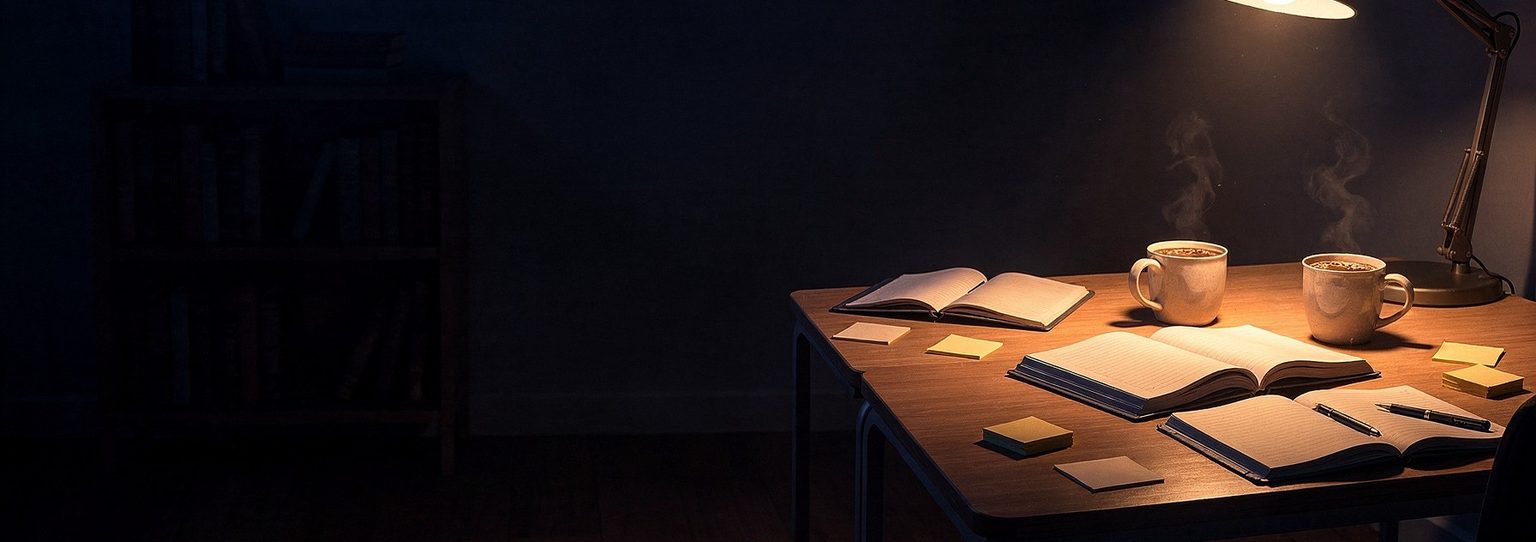
The second suits the invite background: 1,920 x 1,080 exactly, and the prompt sets its scene on the right, clear of the pop-up in the middle.
Fantasy campaign banner
Create a banner for a tabletop fantasy campaign server: on the right side, a walnut table holds a hand-drawn map with unmarked mountains, metal dice and two painted miniatures, a knight and a dragon, small and faceless. The scene stretches to every edge: the lower left corner stays calm and dim, where candlelight falls off into shadow. Amber candle glow, greens and golds, adventurous mood. No text, no letters, no logo.
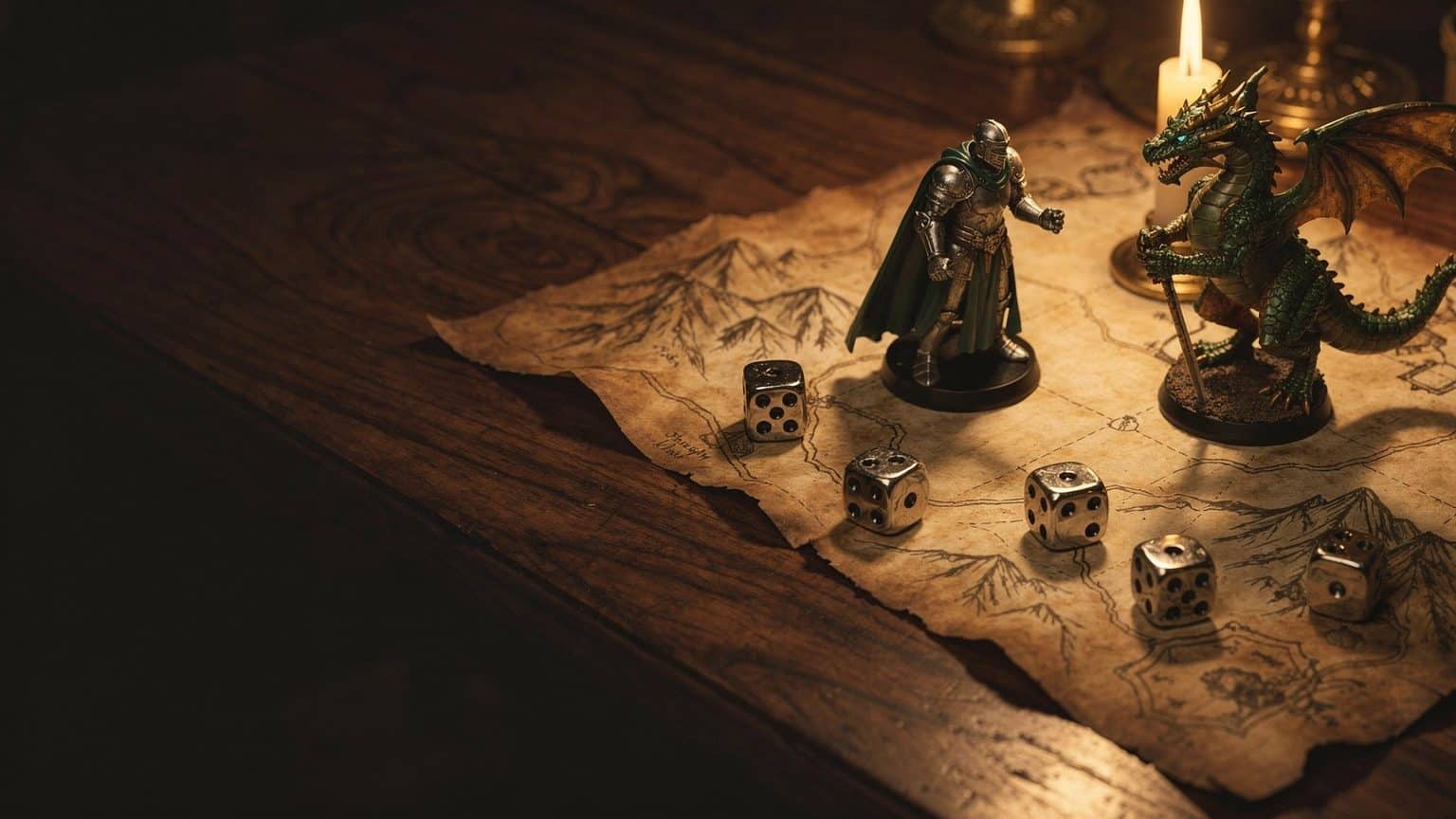
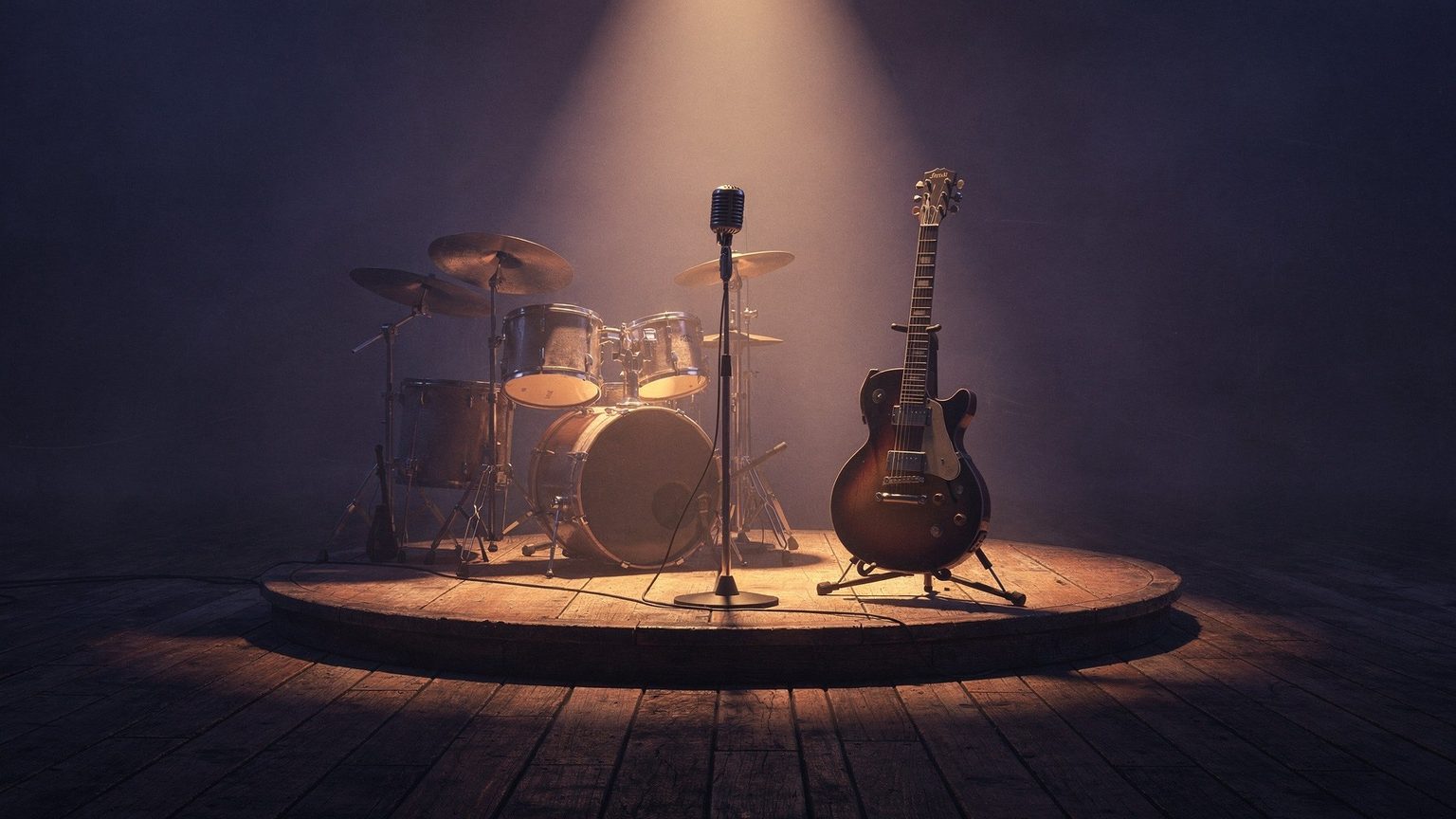
The third suits a server banner: 16:9 at the top of the channel list, and a quiet top strip keeps the server name readable.
Indie music banner
Create a banner for an indie music server: in the center of the image, a small stage glows under one warm spotlight, a guitar on a stand, a drum kit half in shadow and a microphone waiting. The scene stretches to every edge: the lower left corner stays calm and muted, where worn floorboards fade into dusk. Violet and amber lighting, electric yet intimate mood. No text, no letters, no logo.
The cut, ratio by ratio
Niki’s landscape file comes out at 1,792 x 1,024; three cuts bring it to Discord’s shapes.
-
Cut to 16:9 for a server banner
Trim the height to 1,008 pixels: 16 rows leave the picture and nothing else goes. The file becomes 1,792 x 1,008, well above the 960 x 540 floor.
-
Trim to the profile strip
The profile wants the 680 x 240 shape, or 17:6. Bring the height down to 632 pixels; 392 rows fall away, and the width stays 1,792.
-
Enlarge for the invite background
The invite background takes one size alone: 1,920 x 1,080 pixels, JPG or PNG. Your 16:9 cut falls short: scale it up by 7.14% (a factor of 1.0714) before uploading, since Discord allows no retouch afterwards.
The same habit pays off elsewhere: the LinkedIn banner size is 1,584 x 396, and our guide walks that cut. The YouTube banner answers to its own numbers; ours lays them out.
Where each banner gets uploaded
Profile, on a computer
User Settings, then Profiles
Open User Settings from the cogwheel at the bottom of the left column, then the Profiles tab, and press Change Banner under Profile Banner. A crop step follows: Apply keeps your placement, Skip takes Discord’s default.
Profile, on a phone
Edit Profile, then Change Banner
Tap your avatar at the bottom right of the app, choose Edit Profile, then press Change Banner; the crop step works the same.
Server banner
Server Settings, Overview
From Server Settings, open the Overview tab and scroll to the Server Banner Background section at the bottom. Server owners, and members with the manage server or administrator permission, can upload it.
Invite background
Overview, then Upload Background
Open the arrow next to your server name, choose Server Settings, select the Overview tab, scroll to Server Invite Background, and press Upload Background.
Niki warns you
Discord’s Community Guidelines ban sexually explicit images from server banners and profile pictures, and bar fake identities and content that violates someone else’s intellectual property. The guidelines cover all content on the platform, a picture made with AI included.
Niki
AI image generator
“Tell me which banner you need, for your profile or your server, and the mood you are after. I keep one corner quiet for your avatar, and you give the picture a last look before it goes up.”
Frequently Asked Questions
Can a banner be a GIF?
Yes in two of the three places. The profile banner takes an animated GIF under 10 MB, and a server banner animates at boost level 3. The invite background never moves: Discord accepts only JPG and PNG there.
The server dropped a boost level. Does the banner survive?
For a moment, yes: perks hold through a grace period of 72 hours. Past that, they become temporarily invalid until the server climbs back to its level.
Can you set a banner without Nitro?
Not a picture on your own profile: the upload needs Nitro. The banner color stays free to change, and a server banner depends on the server’s boosts, not on your account.
What about uploading from a phone?
For the profile banner, yes: tap your avatar at the bottom right of the app, follow Edit Profile to Change Banner, place the crop.
The picture your banner is waiting for.
Choose your action, tap a format, write your scene: Niki paints it in HD, free to try, and you have 48 hours to save the file.
Sources
- Server Banners, Discord Support.
- Server Invite Background, Discord Support.
- Custom Profiles, Discord Support.
- Per-Server Profiles, Discord Support.
- Server Boosting FAQ, Discord Support.
- What are Nitro, Nitro Basic, Discord Support.
- Discord Profile Tips from Design Professionals, Discord blog, December 14, 2021.
- Community Guidelines, Discord, effective September 29, 2025.