
The essentials in 30 seconds
ChatGPT is used for free on chatgpt.com or via the mobile app: you open a chat and ask your question in plain language.
The secret to a good answer lies in the prompt: spell out the role, the context, the task and the format you want.
Don’t want to create an account? Nation AI, the French alternative, gives you access to the same GPT-5 models with no sign-up, with buttons that write the prompt for you.
ChatGPT has become the most widely used artificial intelligence tool in the world, yet many people still hesitate when it comes to actually using it: do you have to pay? create an account? what can it really do? This guide answers it all, from your very first message to the advanced features (voice, image, web search), with a library of ready-to-copy prompts to get you started in seconds.
- What is ChatGPT and what is it for?
- Where and how to access ChatGPT
- Using ChatGPT for free
- Your first message, step by step
- Writing a good prompt (the method)
- A prompt library to get you started
- What to do with ChatGPT day to day
- Advanced features
- ChatGPT in French: how good is it?
- Mistakes to avoid and limitations
- ChatGPT, Nation AI, Gemini: which one to choose?
- FAQ
What is ChatGPT and what is it for?
ChatGPT is a conversational assistant developed by the American company OpenAI. You type a request in plain, everyday language and it answers within seconds: a piece of text, an explanation, an idea, some code, a table, even an image. Launched in late 2022, it now runs on the models in the GPT-5 family.
Generative AI: a definitionA “generative” artificial intelligence produces new content (text, image, code) from a written instruction called a prompt. It doesn’t “look up” a ready-made answer: it writes it out, word by word, from everything it has learned.
In practice, ChatGPT can do a great many things:
- Write: emails, messages, articles, summaries, scripts, cover letters.
- Explain and learn: break down a concept, translate, review, practice for an interview.
- Analyze a document: read a PDF, a spreadsheet or an image and pull out the key points.
- Create an image: generate a visual from a description, or retouch a photo.
- Code: write, fix and explain code in most programming languages.
- Search the web: answer with up-to-date information and cite its sources.
Where and how to access ChatGPT
ChatGPT is available everywhere, and signing in to your account syncs your conversations from one device to the next. Here are the three main ways in.

| Platform | How to access it | Best for |
|---|---|---|
| Web browser | Go to chatgpt.com from Chrome, Safari, Edge… | Working on a computer, pasting long texts |
| Mobile app | “ChatGPT” on the App Store (iPhone) and Google Play (Android) | On-the-go use, voice mode, snapping a photo |
| Desktop app | Official app for Windows and macOS | Keeping ChatGPT one keyboard shortcut away |
ChatGPT on WhatsApp? Not anymoreOpenAI shut down its WhatsApp number (the famous 1-800-ChatGPT) on January 15, 2026. Any guide that tells you to save a WhatsApp contact is out of date: use the website, the app or an online alternative instead.
Using ChatGPT for free
Good news: ChatGPT is free. The no-subscription version uses the latest model (GPT-5.5 in 2026) with a limited message quota over a window of a few hours; once you pass that threshold you drop to a lighter version, and then the counter resets.
According to OpenAI, the free plan now gives access to a broad range: chat, web search, file and image analysis , and image generation within certain limits. Still reserved for the paid subscription are: advanced reasoning (GPT-5 Thinking), advanced voice mode, high-volume generations and personalization tools.
Free, with no account neededSigning up for ChatGPT requires an email and a phone number. If you just want to try it right now, Nation AI gives access to the same GPT-5 models from OpenAI with no sign-up, right in your browser, in French.
Your first message, step by step
Once you’re in the interface, everything happens in a single spot: the input field at the bottom of the screen. Here’s how to start your first conversation.
- Open a new chat. Click “New chat” (top left) to start from a blank page.
- Type your request in the bottom field, as if you were talking to someone: “Explain photosynthesis to me in simple terms.”
- Send it with the Enter key (or the arrow button). The answer appears within seconds.
- Follow up. No need to rewrite everything: just follow up with “Shorter,” “Give an example” or “And in English?”. ChatGPT keeps track of the conversation.
- Refine or start over. If the answer isn’t right, reword your request; you can also regenerate or edit your previous message.
The right habit: have a conversationChatGPT isn’t a search engine where you type a single keyword. It’s a back-and-forth: the more you talk and correct, the better the answer gets.
Writing a good prompt (the method)
A prompt, is simply your instruction. The same question asked vaguely versus asked with clear framing gives completely different results. To get a truly useful answer, slip four or five ingredients into your request.
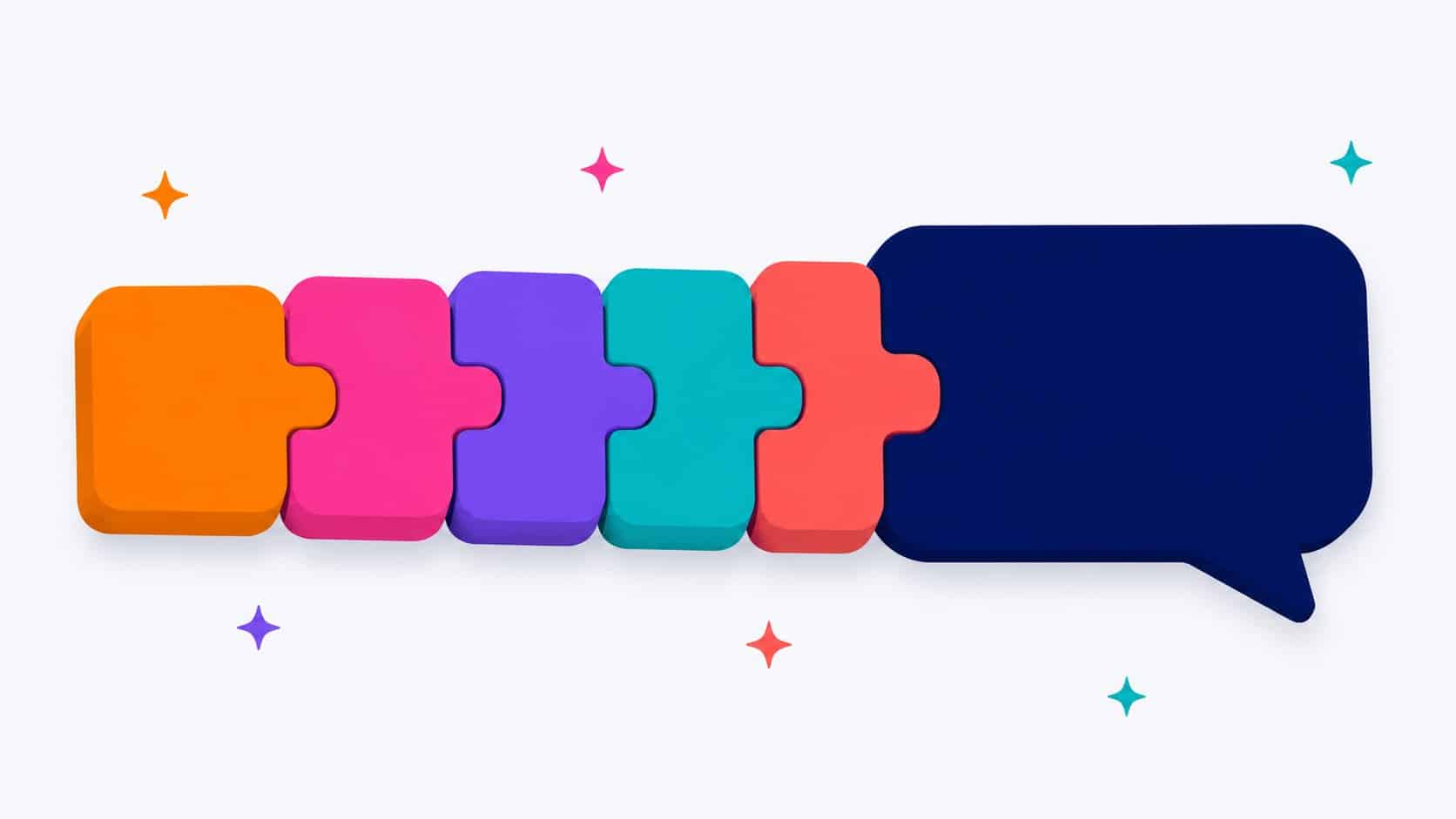
1. The role
Tell the AI who it should “play.”
“You are a careers advisor…”
2. The context
Give the details that matter for your situation.
“I’m in my final year of high school, I like science…”
3. The task
The action verb: write, summarize, compare, list…
“Suggest 5 study paths for me…”
4. The format
Specify the form and length you want.
“…as a table, in 200 words.”
If needed, add a fifth ingredient: the tone (formal, friendly, instructive). Here’s the effect on a real request:
To go further, check out our guide to writing effective prompts and our collection ofChatGPT prompt examples to copy.
A prompt library to get you started
The easiest way to start: begin with a prompt that works, then adapt it. Here’s a selection of templates sorted by use case. Click “Copy,” paste it into ChatGPT (or Nation AI), and replace the bracketed parts with your own information.
24 ready-to-copy prompts
Filter by use case or search for a keyword, then copy with one click.
Explain simply
Explain [a topic] to me as if I were 15, with an analogy from everyday life and a concrete example.
Let it interview you
Ask me one question at a time to pin down what I need for [my goal], then suggest an action plan.
Quiz to learn
Create a 5-question multiple-choice quiz on [a topic], grade my answers and explain each correct one.
Write an email
Write a polite, concise email for [goal: follow up with a client, request time off…]. Context: [details]. Professional tone, 120 words max.
Rewrite a text
Rewrite this text so it's clearer and smoother, without changing the meaning: [paste your text].
Fix mistakes
Correct the spelling, grammar and punctuation in this text, then list the important corrections: [paste your text].
Suggest 5 LinkedIn post ideas about [your topic], each with a hook and 2 lines of description.
Work
Here are my meeting notes: [paste]. Turn them into a clear summary with: decisions made, action items (who/what/when) and open points.
Work
Project plan
Help me organize [my project]. Suggest a step-by-step plan with a realistic timeline and the risks to anticipate.
Comparison table
Compare [option A] and [option B] in a table, using the criteria [price, time, quality…], then give your recommendation.
Prepare for an interview
You are a recruiter for a [job title] position. Ask me 5 typical interview questions, one at a time, and give me feedback after each answer.
Summarize a lesson
Summarize this lesson in 10 key points that are easy to memorize, then add 3 questions for me to test myself: [paste your lesson].
Study sheet
Turn this chapter into a structured study sheet (headings, definitions, dates, formulas to remember): [paste the content].
Learn a language
Be my conversation partner in [language] at [beginner/intermediate] level. Chat with me about [a topic] and correct my mistakes as we go.
Explain an exercise
Explain the method for solving this type of exercise, step by step, without giving the final answer directly: [paste the problem].
Generate an image
Create an image of [subject], style [photorealistic / illustration / 3D], framing [close-up / landscape], soft lighting.
Analyze a photo
Here's a photo. Describe what you see, then [identify the plant / translate the text / give me ideas to improve it].
Room decor ideas
Here's a photo of my room. Suggest 3 fitting layout and decorating ideas, with a [modern / cozy] feel and a small budget.
Recipe from my leftovers
In my fridge I have: [list of ingredients]. Suggest 3 simple recipes I can make tonight, with the steps and prep time.
Meal plan
Put together a balanced weekly menu for [number] people, budget [amount], then the matching shopping list.
Official letter
Help me write a letter to [cancel a contract / dispute an invoice]. Here's my situation: [details]. Firm but courteous tone.
Translate a text
Translate this text into [language] in a natural way (not word for word), keeping a [formal / casual] tone: [paste your text].
Plan a trip
Put together a [number]-day itinerary in [destination] for [profile: couple, family…], with activities for each day and budget tips.
Find a gift idea
Suggest 5 gift ideas for [person: my mother, a friend…], who likes [interests], for a budget of [amount] and the occasion [birthday, Christmas…].
Don’t feel like writing your prompts? Nation AI offers “Rewrite,” “Correct,” “Email,” “PDF” buttons… that write the instruction for you.
What to do with ChatGPT day to day
Beyond the prompts above, here are the most popular uses once you’ve got the hang of it. Most of them work on the free version.
Summarizing a long document
Translating into 50 languages
Reviewing and creating study sheets
Finding gift ideas
Planning a trip
Improving a résumé
Explaining a medical or legal term
Generating an image
Coding a small script
Decorating a room
Preparing for an interview
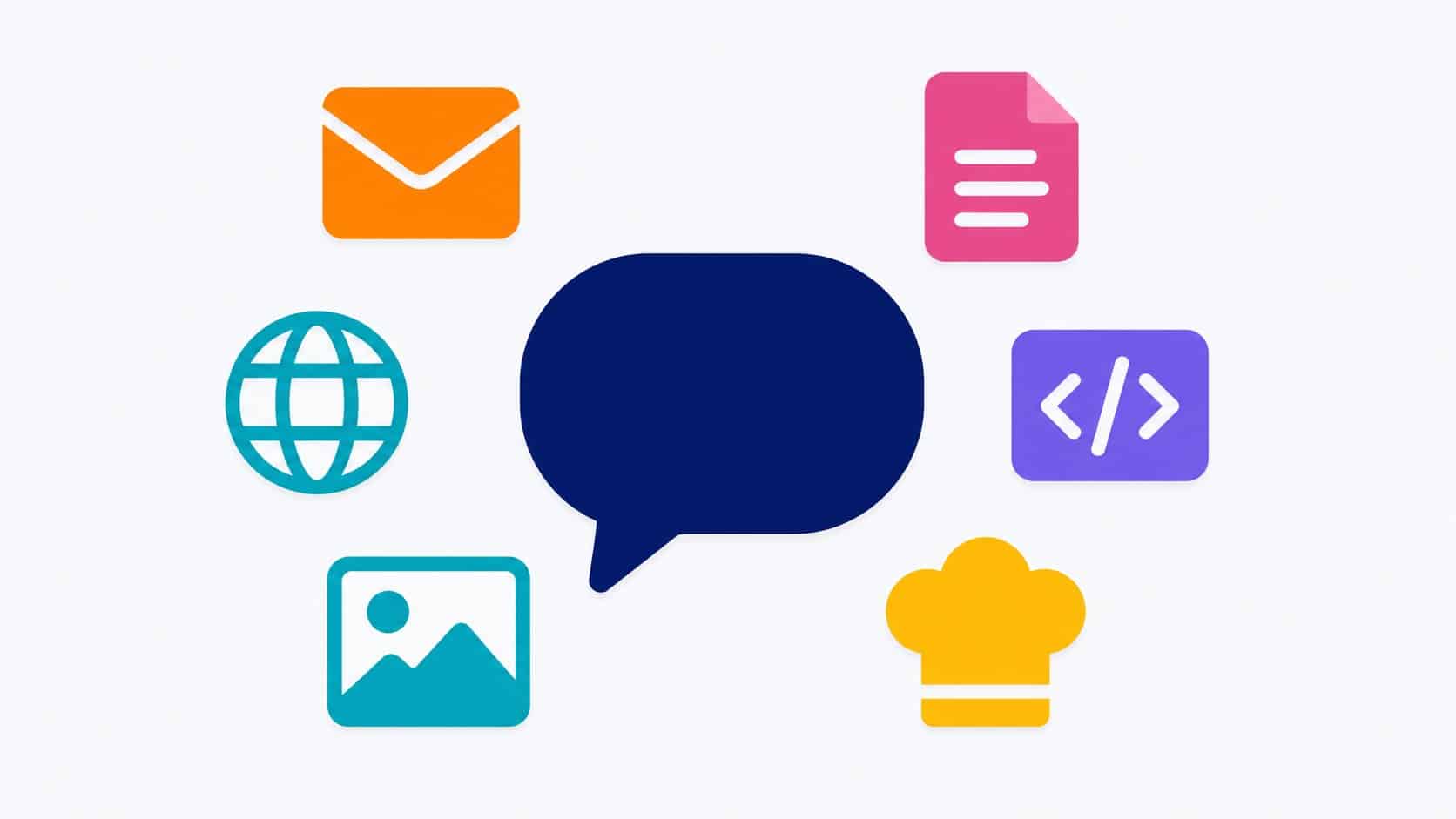
For files, it’s one of the handiest uses: drop in a PDF and ask for a summary, or take a photo of a concept so it can explain it to you. We even have a dedicated tool to summarize a PDF for free, and an assistant to generate an AI image.
Advanced features
Once you’re comfortable, these features really change the game. Some are free, others require the subscription.
| Feature | What it does | Access |
|---|---|---|
| Voice mode | Talk to ChatGPT and hear it reply, like a conversation | Basic free, advanced mode paid |
| Web search | Up-to-date answers with cited sources | Free |
| Vision (photo) | Send an image or photo for it to analyze | Free (with limits) |
| Image generation | Create a visual from a description | Free (quota), unlimited on paid |
| GPT-5 Thinking | Advanced reasoning for complex tasks | Paid |
| Custom GPTs | Specialized assistants (the “GPT Store”) | Free to use |
| Memory | Remember your preferences between chats | Free, can be turned off |
ChatGPT in French: how good is it?
ChatGPT is multilingual and very good at French: write to it in French and it replies in French, with careful spelling and syntax. No need to change any setting: it adapts to the language of your message.
If you’re looking for a solution designed for French speakers, accessible without an account and with French-language support, the French alternative Nation AI gives access to the same OpenAI models (GPT-5, GPT-4o) as well as Mistral, with human support based in France. You’ll find more options in our comparison of ChatGPT alternatives.
Mistakes to avoid and limitations
ChatGPT is impressive, but it has real limitations. Knowing them is the key to using it wisely.
It can be confidently wrongChatGPT sometimes makes up false information (dates, quotes, figures, sources) while sounding completely sure of itself. This is what’s known as a “hallucination.” Always check important facts.
Other habits to keep in mind:
- Don’t share sensitive data: passwords, bank details, trade secrets or other people’s personal data. By default, your conversations may be used to train the models (you can turn this off in the settings, under “Data controls”).
- It’s neither a doctor nor a lawyer: useful for understanding and preparing your questions, but its answers are no substitute for a professional.
- Its knowledge has a cutoff: without web search enabled, it may not know about recent news.
- Keep your critical thinking: proofread, cross-check, and never publish a text without verifying it.
ChatGPT, Nation AI, Gemini: which one to choose?
ChatGPT isn’t the only option. Here’s how three options available to French speakers compare, to help you choose based on your needs.
| Criterion | ChatGPT | Nation AI | Google Gemini |
|---|---|---|---|
| Company | OpenAI (United States) | Botnation (France) | Google (United States) |
| Account required | Yes | No, try it without signing up | Yes (Google account) |
| Models | GPT-5 | GPT-5/GPT-4o + Mistral | Gemini |
| To get started | Open-ended interface | Guided buttons (email, PDF…) | Open-ended interface |
| Support | Online | Human team in France | Online |
Our adviceTo discover AI with zero friction (no account, guiding buttons, French), start with Nation AI. For very advanced uses and OpenAI’s in-house features (Sora, Deep Research, agents), the ChatGPT subscription remains the benchmark. Many people use both.
FAQ
How do I use ChatGPT for free?
Go to chatgpt.com or download the app: the free version is enough for most uses (chat, web search, file analysis, a limited number of images). You can also use Nation AI for free and without creating an account.
How do I get started with ChatGPT when I know nothing about it?
Open a chat and ask a simple question in plain language, like you would a person. Start from a prompt in our library above, then refine the answer by talking back and forth. You don’t need to be an expert: you get better by practicing.
Why shouldn’t you rely on ChatGPT for everything?
Because it can be wrong while sounding sure of itself, and because your messages may be used to train the models. Avoid entering confidential information or personal data, and always check sensitive facts.
What’s the best free ChatGPT in French?
ChatGPT itself is excellent in French and free. As for French solutions with no sign-up, Nation AI gives access to the same GPT-5 models with a guided interface and support in France. The best approach is to try it and see what fits your needs.
How do I use ChatGPT on WhatsApp?
It’s no longer possible: OpenAI shut down its WhatsApp service (1-800-ChatGPT) on January 15, 2026. From now on, use the website, the mobile app, or an online alternative like Nation AI.
Do you have to pay for ChatGPT?
Not for everyday use. The Plus subscription (around €23/month) unlocks advanced reasoning, advanced voice mode, more image generations and personalization tools. Many users stick with the free version.
Try AI right now, with no sign-up
Nation AI gives you access to the best OpenAI models in French, with buttons that write your prompts for you. Free to start, with no account.