

A good student prompt is a precise instruction that turns the AI into a private tutor, a revision coach or a proofreader. This article brings together 20 ready-to-copy prompts (revision, summaries, essays, maths, languages, speaking…), the method to write your own, and the right habits to avoid the pitfalls.
Tip: copy a prompt, replace what’s in [brackets], then paste it into your AI. You can try it for free and without signing up in the Nation AI chat.
88% of French students already use ChatGPT for their studies, and more than 8 in 10 use AI in one way or another during their education. The problem is almost never the tool — it’s the way you talk to it. A vague request (“explain photosynthesis to me”) gives a generic wall of text. A well-framed request gives a clear summary, at your level, ready to use right away.
Here are the best prompts for students, sorted by use and copyable in one click. They work with ChatGPT, but also with Gemini, Claude, Mistral or the French AI Nation AI: it’s universal copy-paste.
Anatomy of a good student prompt
An effective prompt comes down to four ingredients. The more you give, the more useful the answer. Remember this simple framework: role, context, task, format.
- The role — tell the AI who to play. “You are a biology teacher,” “Act as a demanding marker.” The role sets the tone and the level of expertise.
- The context — your level, the subject, the goal. “I’m in Year 13,” “for an exam next week.” Without context, the AI aims at random.
- The task — one clear, single action. “Summarize,” “create a quiz,” “explain step by step.” Avoid stacking three requests into one.
- The format — how you want the answer. “In one page,” “as a table,” “10 questions, answers separate.” This is what makes the result directly usable.
The habit that changes everything End your prompts with “ask me questions if needed before answering.” The AI clarifies instead of guessing, and the answer is far more accurate.
Want to go further on wording? Our guide to writing effective prompts details the method, and the prompt generator builds a complete prompt from a simple idea. If the word itself is still unclear, see what an AI prompt is.

The 20 best prompts for students
Click Copy, replace what’s in [brackets] with your situation, then paste the prompt into your AI. Use the filters to find the right prompt for your need.
Prompt library
20 tested prompts, sorted by use. One-click copy.
20 prompts shown
1. The private tutor
You are a private tutor in [subject]. I’m in [level, e.g. Year 13 or first year of university]. Explain [concept] to me from scratch: first a simple definition, then 2 everyday analogies, then a concrete example. Finish with the 3 most common misunderstandings. Use clear language and short sentences.
2. The Socratic tutor
Play the role of a Socratic tutor. I want to understand [concept]. Ask me one question at a time, from the simplest to the most advanced, wait for my answer, then give a short hint before the next question. After 6 questions, summarize what I’ve understood and point out what’s still unclear.
3. Summarize a lesson
Here is my [subject] lesson (I’m pasting it below or attaching the PDF). Summarize it in one page: the key ideas as bullet points, the definitions to know, the important dates or formulas, and 3 typical exam questions. Keep only the essentials, no filler.
4. The mind map
Turn this [subject] chapter into a hierarchical outline like a mind map: 1 central idea, 4 to 6 main branches, and 2 or 3 sub-points per branch. For each sub-point, add a keyword to remember. Present it all as an indented bullet list.
5. The revision sheet
From this lesson (I’ll paste the text, or attach the PDF or a photo of my notes), create a concise revision sheet on [topic]. Structure: definition, 5 key points maximum, formulas or dates, a diagram described in words, and a mnemonic. The sheet must fit on one page and get straight to the essentials.
6. The practice quiz
Create a 10-question multiple-choice quiz on [topic], level [level], with increasing difficulty. First show only the questions. When I give you my answers, mark them: indicate the correct answer, explain why the others are wrong, and give me a score out of 10 with the concepts to review.
7. The flashcards
Generate 15 flashcards on [topic] in a question-then-answer format. The questions should test active recall, not simple yes-or-no. Number them, put the answer on a separate line, and order them from easiest to hardest so I can quiz myself.
8. The revision plan
My [subject] exam is on 2026. Here are the topics to revise: [list]. I can revise [X hours per day]. Build a day-by-day schedule up to the exam, based on spaced repetition: each day one goal, the concepts to review, a recall exercise, and 2 cumulative reviews during the week.
9. The error analysis
I’m going to paste my answers to a [subject] exercise. For each mistake: explain precisely why it’s wrong, what the correct rule or method is, and give me a similar exercise to practise. Then group my mistakes by type so I know what to review first.
10. The essay outline
You are a methodology coach. I have to write a [length] essay on: [topic], in [subject], level [level]. First suggest 2 possible problem statements. Then, for the one I choose, give a detailed outline: an introduction with a hook and a thesis, 3 parts with sub-sections and arguments, and a conclusion that opens up. Suggest one example per part.
11. The proofreader that doesn’t cheat
Here is my text: [paste it]. Proofread it like a demanding but kind marker. Don’t rewrite it for me. Highlight the mistakes, the clumsy sentences and the unclear passages, and explain each problem so I can fix it myself. Finish with 3 tips to improve this type of text.
12. Rephrase a passage
Rephrase this passage so it’s clearer and smoother, without changing the meaning or the register: [paste the text]. Keep a [neutral or formal] tone. Offer 2 versions, one concise and one more developed. Put in bold the words you changed so I understand your choices.
13. The cover letter
Help me write a cover letter for [a university application, an internship or a work-study programme] in [field]. Here is my profile: [background, strengths, motivation]. First ask me 3 questions to personalize it. Then write a structured letter (you, me, us), authentic, cliché-free, that concretely shows why I’m a good fit.
14. Academic style
Improve my style for a university assignment in [discipline]. From this paragraph: [paste it], offer an academic-style version: logical connectors, precise vocabulary, phrasings to introduce a quotation or add nuance. Explain 3 writing rules I can reuse.
15. The maths tutor
You are a tutor in [maths or physics]. Here is the exercise: [problem or photo]. Don’t give me the final answer right away. Guide me step by step: identify the given data and the method, then ask me a question at each step so I work it out. Warn me about classic mistakes and show how to check my result.
16. Understand code
Here is my code in [language]: [paste it]. It [describe the bug or the goal]. Explain line by line what it does, spot the problem, and propose a commented fix. Add 2 test cases to check, and a tip to avoid this type of error in the future.
17. Critical analysis
Critically analyze this text or article: [paste or summarize]. Give: the author’s thesis, their main arguments, the possible limits or biases, and how it stands in relation to other viewpoints. Finish with 3 relevant questions I could ask in class or in a presentation.
18. The presentation and oral exam
Help me prepare a [length] presentation on [topic], level [level]. Suggest a hook, a clear 3-part outline, a visual-aid idea per part, and a memorable conclusion. Then list the 5 questions the panel is likely to ask, with a suggested answer for each.
19. The language coach
You are a [language] teacher, I’m at [beginner or intermediate] level. Correct the sentences I write, briefly explain each mistake, and suggest a more natural version. Then start a guided conversation on [topic], adjusting the difficulty to my answers. At the end, list the words and rules to review.
20. The anti-procrastination coach
You are an organization coach for students. Here is my situation: [courses, deadlines, what’s blocking me]. Help me build a realistic weekly schedule, with short sessions and breaks, and a method against procrastination. Break my big assignments into small tasks with micro-deadlines.
Don’t want to create an account? Try these prompts for free in the Nation AI chat, the French AI, with no sign-up.
These prompts work everywhere ChatGPT, Gemini, Claude, Mistral, Nation AI… the copy-paste is the same. Only the answers vary slightly from one model to another.
Which prompt for which need (and the tool that does it for you)?
Sometimes you just want the result without writing a prompt. Nation AI offers dedicated tools that already apply the right instruction behind the scenes: you drop in a file, you get the result. Here’s the mapping.
| Your need | The prompt to use | The tool that does it for you |
|---|---|---|
| A revision sheet from a PDF or notes | Prompt 5 | PDF Revision Sheet |
| Practise with a quiz | Prompt 6 | PDF Quiz Generator |
| Summarize a lesson or document | Prompt 3 | AI PDF Summary |
| Solve a maths problem | Prompt 15 | AI Maths |
| Fix spelling and grammar | Prompt 11 | Spell Checker |
| Rephrase a text | Prompt 12 | Text Rewriter |
| Translate a PDF | Prompt 19 | AI PDF Translator |
| Write a cover letter | Prompt 13 | Cover Letter |
5 tips for truly useful answers
Give it your documents
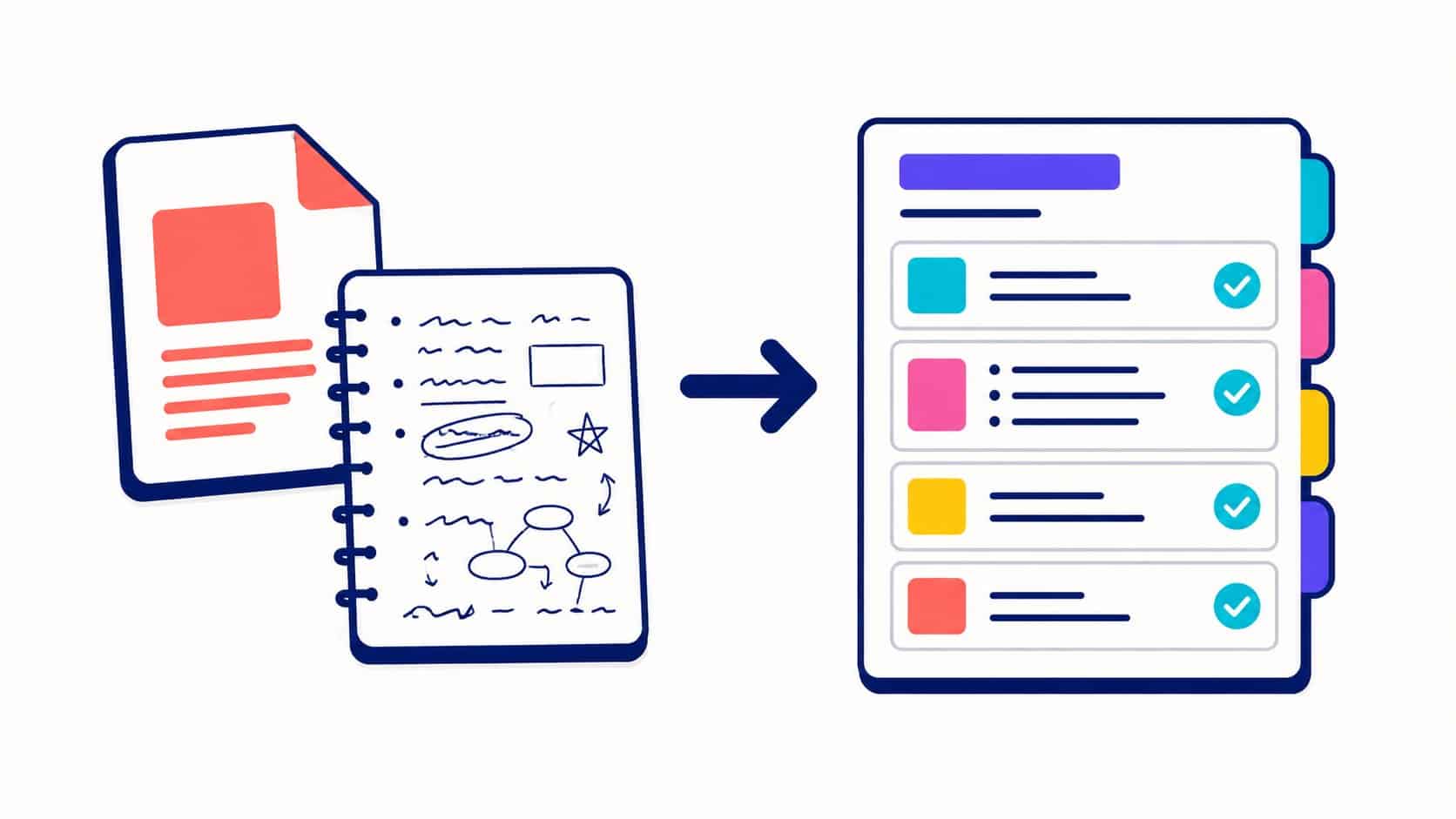
Paste your lesson, attach the PDF or a photo of your notes. The AI works on your real content, not on generalities.
“From THIS lesson, make a sheet.”
Iterate
The first answer is a draft. Ask for “shorter,” “with an example,” “simpler” until you get the right result.
“Redo it half as long.”
Set the level
“Explain it like to a Year 10 student” or “master’s level”: the same concept, but calibrated for you.
“Year 12 level, no jargon.”
Ask for sources
For a figure or a date, demand the source and check it. The AI can invent credible but false references.
“Cite your sources and warn me if you’re not sure.”
The 5th tip: active recall Cognitive-science research is clear: testing yourself (quizzes, flashcards, recall from memory) makes you retain far more durably than rereading your notes. Use AI to quiz yourself, not just to read summaries.
Mistakes to avoid with AI
AI is an excellent assistant but a poor master. A few classic traps among students:
- Copy-pasting without rereading. An assignment handed in as-is is spotted quickly and has no learning value. Use AI to understand and structure, then write in your own words.
- Taking the AI at its word. It can invent dates, quotations or references (these are called “hallucinations”). Check every important fact.
- Letting it do everything. If the AI solves the problem for you, you learn nothing. Ask it to guide you, not to answer (see prompts 2 and 15).
- Forgetting your institution’s rules. AI use is governed differently across schools and universities. When in doubt, ask your teacher.
Cheating or not? Using AI to understand, revise or get organized isn’t cheating. Having it produce work that you hand in as your own is. The line: AI helps you learn, it doesn’t replace your work.
Frequently asked questions
What’s the best prompt to make a revision sheet?
Prompt 5 on this page. Ideally, give it your real lesson: paste the text, or attach the PDF, or even a photo of your handwritten notes. To go faster, the PDF Revision Sheet tool turns a document straight into a structured sheet.
How do you summarize a lesson or a PDF with AI?
Use prompt 3, specifying the length you want and what matters (definitions, dates, exam questions). For a long document, theAI PDF Summary tool does the work from the file, and theAI PDF Translator tool translates a foreign-language lesson.
Can you use ChatGPT to revise law?
Yes. Reuse prompt 5 with [subject] = law and [topic] = the concept in question (for example “civil liability”). For precise legal questions on French law, a specialized AI like theAI Legal Assistant is more reliable than a general-purpose model, but always check the references.
Do these prompts work with Gemini, Claude or Mistral?
Yes, they are natural-language instructions: the copy-paste is identical on ChatGPT, Gemini, Claude, Mistral or Nation AI. The answers may vary a little depending on the model, but the prompt structure stays right.
How do you write a good prompt yourself?
Follow the role, context, task, format framework (see above). The more precise you are about your level and the expected result, the better the answer. Our guide to writing effective prompts goes further, and the prompt generator builds one for you.
Is using AI for your studies cheating?
It all depends on how you use it. Understanding a concept, practising, getting organized or having your work proofread: no. Having the AI write an assignment and handing it in as your own: yes. AI is a learning tool, not a substitute for your work. When in doubt, refer to your institution’s guidelines.
Do you have to pay to use these prompts?
No. Most AIs offer a free version that’s enough for these uses. For example, you can try all these prompts in the Nation AI chat, for free and without signing up, or explore all the AI tools for free.
Your prompts, a French AI to run them
Paste any of these 20 prompts, attach your lessons as a PDF or photo, and get sheets, summaries and corrections in seconds. Free, no sign-up.
Sources: statistics on AI use by students, GoStudent (2025) and Diplomeo; the testing effect and spaced repetition, cognitive-science research on memorization. Always check AI-generated information before reusing it.