

The short version

Building a website with AI has become a simple move: you describe your business, the AI proposes the structure, the copy and the images. The real question is no longer generation, it is everything around it. We opened one by one, on September 8, 2026, the English pages of the eight services that own the first page of Google for this query.
Generating is free almost everywhere. Wix states it outright: “You can start building your site with AI for free.” Squarespace confirms that “the Blueprint AI Builder is free to use”, and CodeDesign allows “up to three projects or websites” on its subdomain.
Publishing is the wall. At Squarespace, “you need a paid Squarespace account to publish.” At Hostinger, IONOS and 10Web there is simply no free plan. And watch the detail: the same editor can show different intro prices by country.
The law does not generate itself. Your privacy policy, truthful advertising under FTC rules and your liability for every published claim stay on your plate, whatever tool you pick. That is what the full method below is about, brief by brief.
“Create a website with AI” is now one of the most common searches among small business owners, freelancers and side-project builders. AI website builders all make the same promise: a complete site in minutes, no coding, often “free”. The promise holds for half the journey. This guide covers the other half: what the AI actually builds, where free ends (with September 8, 2026 findings on the official pages of the eight leaders), how to write the copy that makes the difference, and which legal basics no tool removes in the United States.
Building a website with AI: what actually happens
An AI website builder always works the same way: you answer a few questions (business name, industry, city, preferred style) and the service assembles a first version of the site. What the machine actually produces, the vendors themselves describe it on their help pages. Wix explains that its generator prepares the recommended structure and style, then delivers themes, page layouts and the dynamic text of your pages. IONOS lists its building blocks: an “AI Text Generator & AI Text Improver”, an “AI Image Generator” and a color palette generator. Squarespace produces drafts with text, images and design suggestions.
In other words: structure, layout, filler copy and default images. In fifteen minutes you get a site that looks finished. That is exactly where the work begins, because three things are not generated: your real information (numbers, references, hours), your legal pages, and going live itself, meaning the domain name and the hosting.
Our protocol, and its limit
We created no paid account and measured only what the vendors publish themselves on their English pages: homepage promises, pricing grids, FAQs. Every quote in this article is dated September 8, 2026 and verifiable online. It is more honest than a “full test” comparing sites generated in ten minutes, and it answers the question everyone asks: what can you get without paying, and what costs money?
What the AI builds, and what it never will
Before you start, the most useful table is not a price comparison (that comes later), it is the border between what the machine does alone and what stays in your hands.
| The AI does it in minutes | That stays on your plate |
|---|---|
| Site structure: pages, sections, navigation | The domain name, paid, registered in your own name |
| Responsive layout, colors, typography | Your real information: pricing, references, credentials, hours |
| Plausible filler copy for every page | Fact-checking and reviewing every published claim |
| Default stock or generated images | Real photos of your work, the only proof that sells |
| Basic SEO settings: title tags, description | Content strategy and internal linking between your pages |
| Adjustments on request: “change the button color” | Privacy policy, terms, disclosure requirements |
This border is not a flaw of the tools: it is structural. An AI can invent a credible about page, but it does not know your revenue, your hours or your city. And when it does not know, it invents anyway: phantom founding dates, “500 happy clients” out of thin air, certifications that do not exist. A generated site published without review is a site publishing claims nobody verified. That is risk number one, far ahead of design.
The full method in 7 steps
Here is the method we recommend, calibrated for a simple business site. It fits in one working day, of which half an hour of generation.
- Write the brief before touching any tool. One page: what you do, for whom, in which area, with which proof (references, numbers, photos), and the five pages you want. Our brief composer below does it in four clicks.
- Generate the structure with the AI builder of your choice. Answer the questions, look at the draft, and do not chase perfection: at this stage only the structure matters. Note what the tool asks you to pay for: that is usually where the real price shows up.
- Rewrite the copy page by page. This is the step that decides rankings and conversions. A writing assistant like Nation AI turns your notes into clean copy from your real information, without inventing: give it your actual numbers and ask it to flag what is missing.
- Replace the default images. Integrated stock libraries serve the same visuals to thousands of sites. Your photos of jobs, dishes or products make the difference; for missing visuals, an AI image generator produces unique illustrations, and our AI logo creation guide covers the logo case, vector files included.
- Read everything aloud. Hunt down unverifiable claims (“since 2015”, “market leader”), invented numbers and promises you cannot keep. Every sentence on the site must pass the test: “can I prove this?”
- Write the legal pages. Privacy policy, terms if you sell, disclosures where required: the legal detail is below, it is not optional and no builder gets it right for you.
- Go live: domain, publishing, indexing. Buy the domain in your own name (not through an account you do not control), publish, check the mobile version, submit the sitemap in Google Search Console, and test the contact form for real.

Compose your website brief in four clicks
The brief is the step everyone rushes, yet it decides everything: an AI builder fed one sentence produces a generic site; fed a structured brief, it produces a workable base. The composer below assembles a complete brief from four choices, with an anti-invention instruction: the AI must leave placeholders instead of guessing your numbers.
The website brief composer
Four choices, a complete brief to paste into the AI website builder of your choice, and the reminder of what will stay on your plate.
Your brief
You are a website designer. From the brief below, propose the complete structure of the site, then write the copy for each page.
Build a business site of five pages: Home, Services, Work, About, Contact. The home page explains in three sentences what I do and for whom. The site targets people in my city and its surrounding area: state the service area, how to get there, and a clickable phone number. Serious and institutional style: readable typography, plenty of white space, two colors maximum, understated photos. Must-have feature: a contact form with email confirmation, and the phone number visible on every page.
For each page, give: the title, a meta description of 155 characters maximum, and the full copy. Invent no number, no date and no reference: wherever information is missing, write [TO FILL IN]. End with the list of information you are missing to finalize the site.
What will stay on your plate
The builder will write credible copy empty of your real proof: numbers, references and actual photos are still yours to provide, and the legal pages are still yours to write.
Paste this brief into the builder of your choice. And for the copy itself, Nation AI writes it from your real information, no sign-up needed to try.
The phrasing library
Here are the eighteen fragments the tool assembles, useful as-is even without the tool: this is the raw material of a good brief, to complete with your own constraints.
| Setting | Choice | The phrasing the tool inserts |
|---|---|---|
| Type | Business site | Build a business site of five pages: Home, Services, Work, About, Contact. The home page explains in three sentences what I do and for whom. |
| Type | Portfolio | Build a portfolio of four pages: Home, Work, About, Contact. The Work page shows projects in a grid, each project opens a detailed page. |
| Type | Online store | Build an online store: Home, Shop, Product page, Cart, Terms, Contact. Each product page shows the price, lead times and shipping costs. |
| Type | Blog or magazine | Build a blog: Home, Articles, About, Contact. The three latest posts are featured on the home page. |
| Type | Local business | Build a local business site: Home, Services or Menu, Reviews, Hours and directions, Contact with a map. Hours and the map must be visible from the home page. |
| Type | Nonprofit or club | Build a nonprofit site: Home, Our work, Join us, News, Contact. The Join us page offers the membership form as a download. |
| Audience | Customers in my area | The site targets people in my city and its surrounding area: state the service area, how to get there, and a clickable phone number. |
| Audience | Customers nationwide | The site targets customers across the country: make clear that services are delivered remotely or products ship nationwide. |
| Audience | International audience | The site also targets an international audience: plan a version in two languages and keep prices in dollars. |
| Audience | Recruiters and partners | The site targets recruiters and partners: lead with references, case studies and key numbers. |
| Tone | Serious and institutional | Serious and institutional style: readable typography, plenty of white space, two colors maximum, understated photos. |
| Tone | Warm and human | Warm and human style: warm tones, photos of people at work, short sentences written in the first person. |
| Tone | Bold and creative | Bold and creative style: large images, offset compositions, characterful typography, discreet animation. |
| Tone | Plain and minimal | Plain and minimal style: one idea per section, no gratuitous effects, under eighty words of copy per page. |
| Feature | Contact form | Must-have feature: a contact form with email confirmation, and the phone number visible on every page. |
| Feature | Online booking | Must-have feature: an online booking module with automatic confirmation and a clear cancellation policy. |
| Feature | Online payments | Must-have feature: online payments, with shipping costs shown before checkout and the refund policy stated. |
| Feature | Blog and newsletter | Must-have feature: a blog organized by category and a newsletter signup with email confirmation. |
And the reminder line the tool displays under the brief, depending on the type of site you pick:
| Type of site | What will stay on your plate |
|---|---|
| Business site | The builder will write credible copy empty of your real proof: numbers, references and actual photos are still yours to provide, and the legal pages are still yours to write. |
| Portfolio | The builder cannot guess your projects: every page stays generic text until you replace the samples with your real work. |
| Online store | A store adds obligations: terms of sale, refund policy, privacy policy and handling of customer data. No AI writes those reliably for you. |
| Blog or magazine | A blog lives on regular publishing: the AI builds the structure, but the editorial calendar and the fact-checking stay yours. |
| Local business | Hours, address and reviews shown must be accurate: one opening hour invented by the AI costs more than mediocre copy. |
| Nonprofit or club | A nonprofit site is still a publication: its owner information must be correct and reachable, even for an all-volunteer site. |
If you would rather write the brief by hand, the Nation prompt generator follows the same logic: role, context, task, constraints, output format.
The real price of free: eight services combed through
Here is the September 8, 2026 finding on the English pages of the eight services that own the first page of Google for “create a website with AI” and neighboring queries. The table says exactly what you can do without paying, and what triggers the bill.
| Service | Generate without paying | Publish without paying | The entry price we measured |
|---|---|---|---|
| Wix | Yes: “You can start building your site with AI for free” | On a Wix subdomain, with limits; domain and payments require a Premium plan | Premium required for the domain; free domain voucher for one year with Premium |
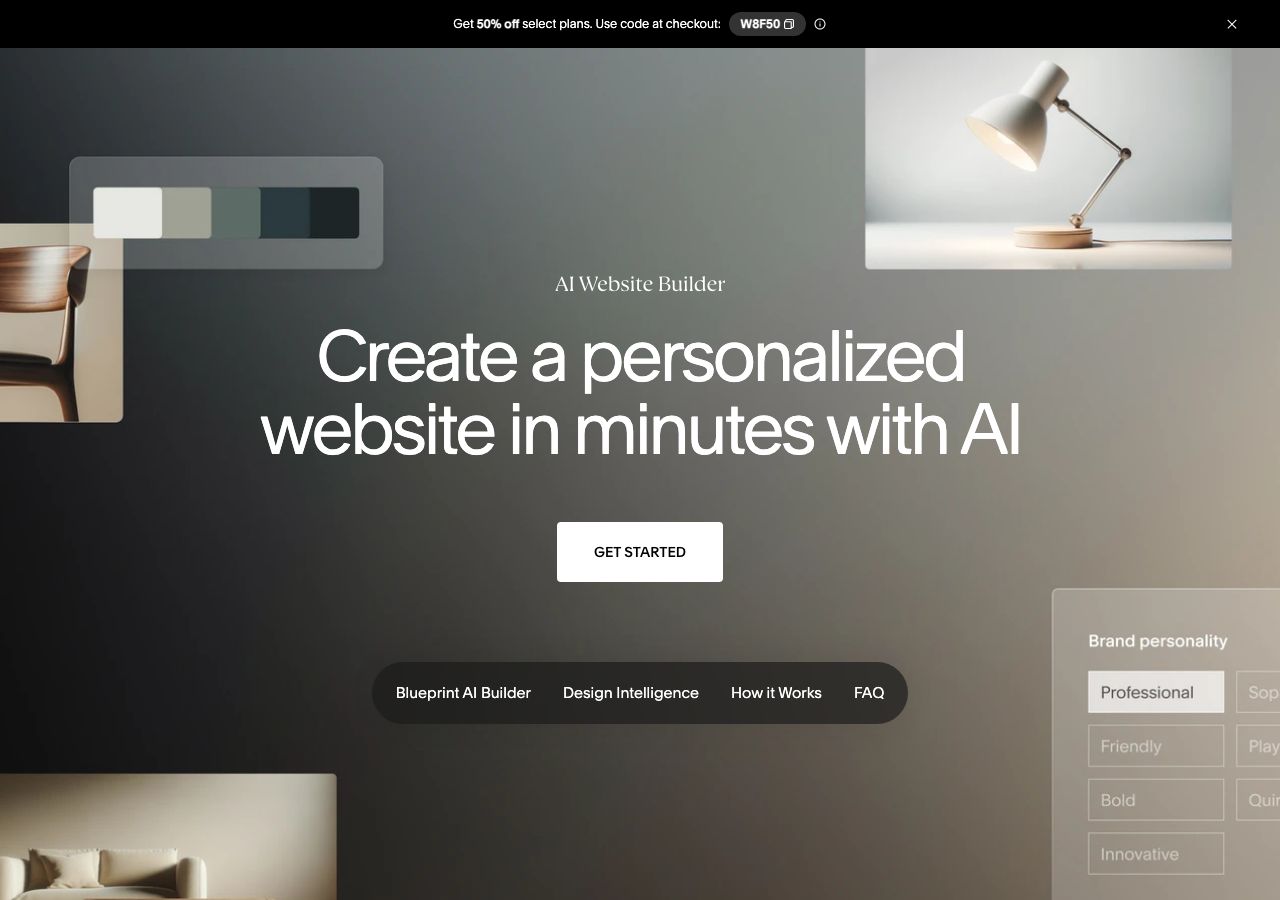
| Squarespace | Yes: “the Blueprint AI Builder is free to use” | No: “you need a paid Squarespace account to publish” | Trial without a card; plans on a separate page |
| Figma (Figma Make) | Yes: “You can try Figma Make for free on the Starter plan” | Publishing to the web requires “eligible plans” | No figures on the page we checked |
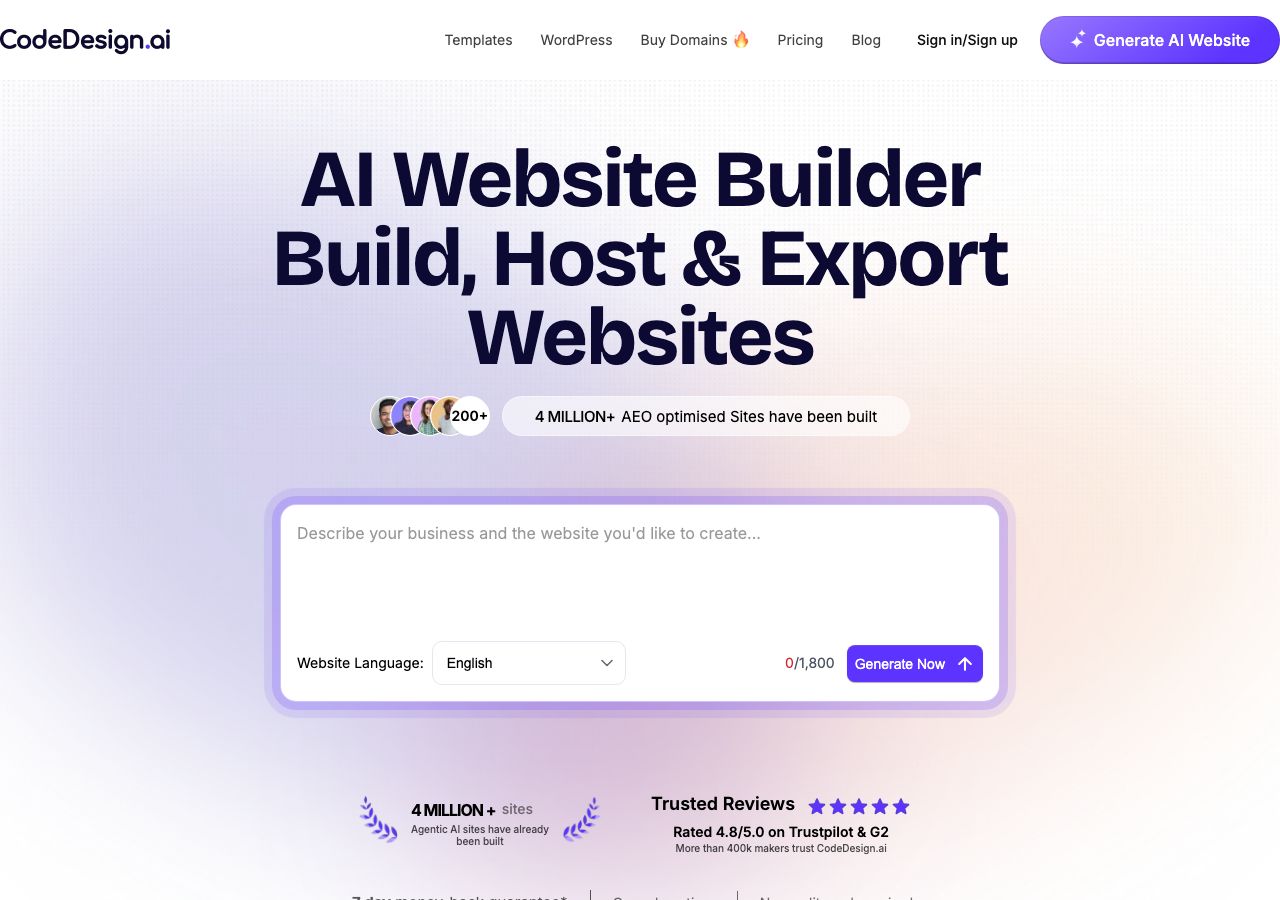
| CodeDesign | Yes: “up to three projects or websites” free | Yes, “under our subdomain” | Annual plan: 20% off plus a free domain |
| Manus | Yes: “up to 300 free credits for new users” | Automatic deployment included; credit duration not stated | Subscriptions, prices not shown on the page |
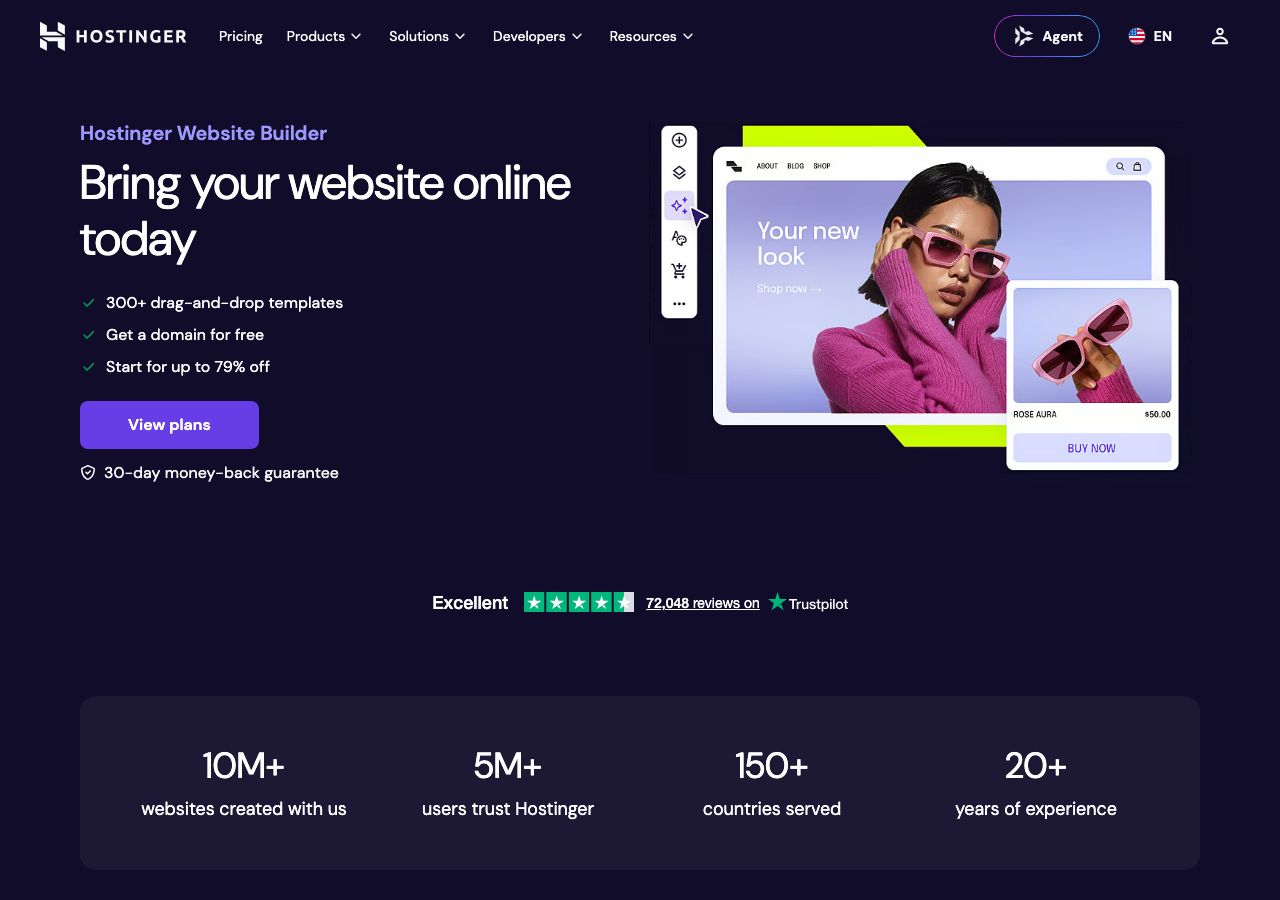
| Hostinger | No: the builder ships with paid hosting plans | No | Premium $2.99/mo, billed 48 months upfront ($143.52), renews at $10.99/mo; 5 AI credits listed on Premium |
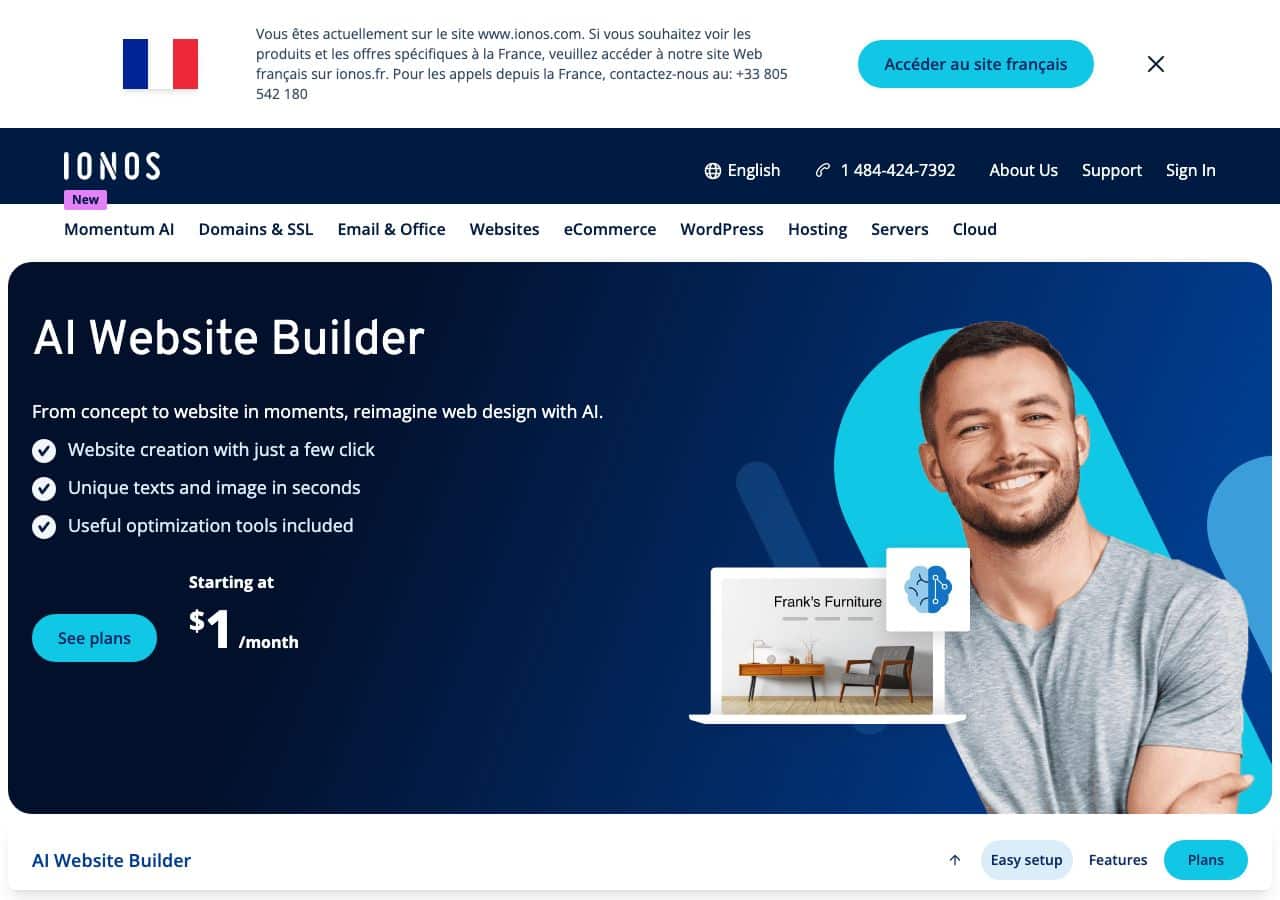
| IONOS | No: no free plan shown | No | From $1/month, free domain for the first year; AI text and image generators from the Plus plan, not Starter |
| 10Web (WordPress) | Free account to generate, no free tier in the grid | No | AI Starter $10/mo: 1 site, 100 AI credits per month |
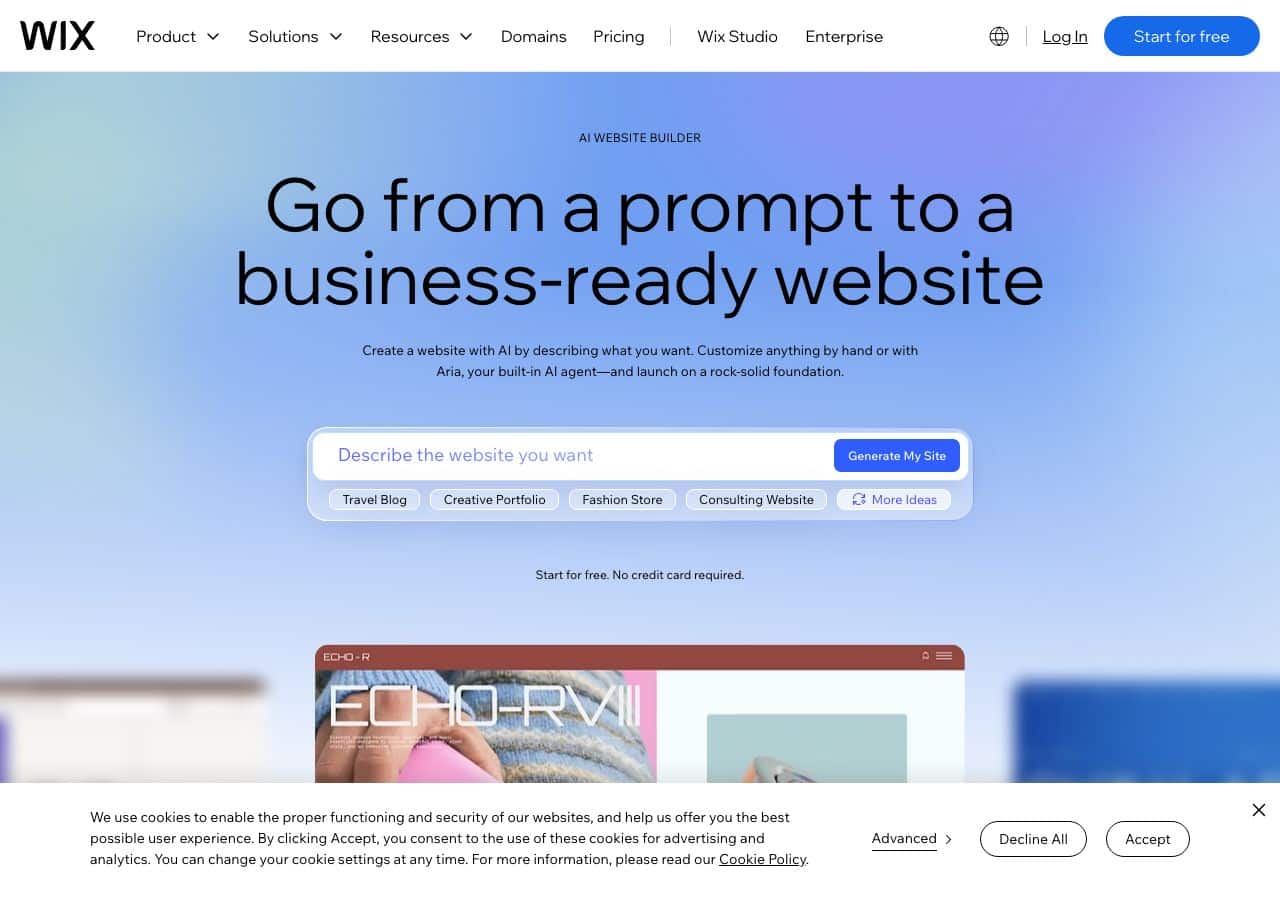
Three lessons come out of this. One: generating is (almost) always free, because it is fast and cheap for the vendor, and because the generated site is the best sales pitch: it is your demo, not your site. Two: the wall sits at publishing. Squarespace says it plainly, Figma routes it through “eligible plans”, Wix keeps the site on a subdomain until you pay. Three: entry prices are read at renewal. Hostinger’s “from $2.99/mo” is billed 48 months upfront and renews at $10.99/mo; IONOS’s “$1/month” is an intro price, and the fine print differs by country: the same vendor shows a 12-month intro in France and a 6-month intro in Spain (measured the same day). These are not traps: they are commitments worth knowing before you sign.
The question before you pay: who owns the site?
A site published on a subscription lives as long as the subscription: switch services and everything stays behind. If portability matters to you, check before buying that the tool lets you export your content (pages and copy at minimum). CodeDesign advertises code export; most closed editors do not. The domain name, for its part, must be registered in your own name: it is the one element that will follow you everywhere.
The rest of the day’s findings fill out the table. CodeDesign puts a number on its free tier: “up to three projects or websites” hosted “under our subdomain”, then an annual plan with “20% off plus a free domain”. Manus, newer, grants “up to 300 free credits for new users” and handles the full deployment: “the frontend, database, and hosting configuration automatically”. On the hosting side, Hostinger bundles its builder with paid plans; IONOS lists plans from $1/month with the domain free for the first year, and keeps its AI text and image generators for the higher tiers.

ChatGPT, WordPress, code: the other routes
Nearby searches raise two other fair questions: “create a website with ChatGPT” and “AI website builder for WordPress”.
ChatGPT and general-purpose assistants write code, they host nothing. An AI assistant can produce, in minutes, complete and correct HTML, CSS and JavaScript for a page. But that file stays a file: to be visible on the internet it must be hosted somewhere (shared hosting, a static page service, a CMS). This route suits technical profiles or single pages; for a five-page site that will grow, a dedicated builder stays faster. The good news: the two combine well, the assistant writes the copy, the builder lays it out.
On the WordPress side, AI generation goes through specialized services like 10Web, which claims a complete WordPress site with hosting, WooCommerce preconfigured, and the ability to start from an existing URL to redesign it. The “clone or redesign from a URL” feature answers another neighboring search, “copy a website with AI”: copying the structure of an existing site is technically doable, but copying someone else’s text and images is still copyright infringement, machine or no machine. For presentations and mini-sites, our Gamma AI review covers a similar generated-pages approach.

The copy: where everything is decided
Back to the base promise: “a complete website in minutes”. It holds for the structure. It does not hold for the copy, and that is exactly why generated sites all look alike: same turns of phrase, same “your satisfaction, our priority”, same hollow bullet lists. Google does not exclude AI-assisted text; it penalizes what is hollow, duplicated and unproven. And your visitors buy your proof.
The method that works is the reverse of generation: start from your real information, raw and badly written if needed, and have it rewritten. Compare:
Text generated by the site builder: “With several years of experience, our company supports its clients with professionalism and passion. Our team of experts does everything possible to meet your needs.”
Rewritten from your real information: “Founded in 2021 by Marc D., a former chef, the company has fitted out 140 kitchens for professionals and homeowners across the metro area. Quote within 48 hours, install in 3 days, 5-year parts warranty.”
The first text could belong to anyone, so it belongs to no one. The second exists nowhere else, is verifiable, and gives three reasons to call. That is the work Nation AI does when you supply the facts: it structures, tightens, splits by page (home, services, about), and lists what is missing. The golden rule stays the same as for the brief: no invention, placeholders instead.
The law: four obligations the builder does not fill for you
Building a site with AI does not change your position: the moment you publish, you are a publisher, with the obligations that follow. Four points deserve special attention, and no website builder handles them for you.
Truthful claims
In the United States there is no single federal “legal notice” page requirement like the one that exists in Europe, but the Federal Trade Commission requires that claims about your business be true and substantiated. A generated text that invents a certification, a founding year or a client count is a deceptive claim the day you publish it. The review step (step 5 of our method) is not cosmetic: it is what keeps your marketing lawful.
Personal data and tracking
A simple contact form collects personal information. There is no federal cookie banner requirement, but state privacy laws kick in quickly: California’s CCPA/CPRA requires disclosure of what you collect and an opt-out path once personal information is “sold” or shared, and several states follow the same model. A newsletter also has to honor unsubscribe requests under the CAN-SPAM Act. The privacy policy templates bundled with builders are a starting point, not compliance: they must be filled with your actual purposes. And if your audience includes visitors from the European Union, the GDPR applies to them, cookie consent included.
Liability for content
Using AI shifts your liability by exactly nothing: if the generated text claims a certification you do not hold, you are the one publishing a deceptive statement. Since August 2, 2026, the European AI Act also imposes transparency on conversational systems: if you add a chatbot to your site and you serve visitors in the EU, it must clearly tell the user it is an AI.
Ownership of what you publish
Two distinct questions. Elements from the builder’s libraries (templates, images) usually stay under a non-exclusive license: everyone can use them, which is a problem for a logo. And under US copyright law, a text generated entirely by a machine with no human creative contribution has no human author, and the Copyright Office does not register it. Protecting your business name commercially goes through a federal trademark at the USPTO: the base electronic application costs $350 per class on the USPTO fee schedule, which our AI logo creation guide details.
Budget and timeline: what you are signing up for
Everything depends on what “online” means to you. Here are the four honest scenarios, computed from the findings above.
| Scenario | Cost we measured | You get | Main limit |
|---|---|---|---|
| Test and decide | $0 | One or several generated sites (Wix, Squarespace, CodeDesign, Manus) | Not published, or on a subdomain with limits |
| Publish at minimum | $0 + domain $11 to $17 per year | A business site on a free subdomain, domain linked depending on the tool | Paid features locked, vendor banners depending on the service |
| Publish properly | About $36 to $65 in year one | Entry builder + domain (Hostinger works out to $143.52 across 48 months, about $36 a year) | Temporary intro pricing, higher renewal |
| Sell online | E-commerce plan + domain, often $15 to $40 per month | Payments, automated policies, product pages | Distance-selling legal obligations on you |
On timeline, stay realistic: 10 to 30 minutes to generate the first version, 2 to 4 hours to rewrite the copy and swap the images, 1 to 2 hours for legal pages and mobile checks, and a few days for Google indexing once the sitemap is submitted. The “website in 5 minutes” promise describes the first line of this tally, not the launch.
Six mistakes that ruin a generated site
The mistakes repeat from project to project. Here they are, by how often we see them:
- Publishing without reviewing. One invented number or one phantom certification is enough to destroy trust, and it is a deceptive claim in the legal sense.
- Keeping the generic copy. “Your satisfaction, our priority” ranks for nothing and converts no one: without your proof, the site stays an anonymous business card.
- Skipping the legal pages. The fastest obligation to fulfill (one page) and the most inspected.
- Keeping the default images. The same visuals serve thousands of sites: real photos first, unique generated images after.
- Never testing on mobile. More than half of visits come from phones; generated sections clip and stack badly more often than you think.
- Testing the form too late. A form that sends nothing (misconfigured email address) costs you every customer who filled it. Test it on launch day, then every quarter.
Frequently asked questions
What is the best AI for building a website?
There is no single “best” AI as of September 8, 2026: Wix and Squarespace lead on ease of use and features, Figma appeals to design profiles, 10Web wins if you want WordPress, Hostinger and IONOS sell a hosting-plus-builder bundle. The right pick depends on two criteria: the type of site (business, store, portfolio) and the cost of publishing, not the quality of generation, which has become uniform.
Can I create a website with AI for free?
Yes for generating: Wix, Squarespace, CodeDesign and Manus all let you generate without paying. And up to a point for publishing: CodeDesign hosts up to three sites on its subdomain on the free plan. But a serious site, on your own domain name, requires a paid plan at every service we reviewed.
Can ChatGPT build a website?
ChatGPT and comparable assistants write the code for a complete, correct web page. They do not host anything, though: the file has to be published elsewhere (hosting, CMS, static page service). It is an excellent route for a single page or a prototype; for a multi-page site that will grow, a dedicated builder stays more manageable.
How long does it take to build a website with AI?
Ten to thirty minutes to generate, two to four hours rewriting copy and swapping images, one to two hours for legal pages and checks. Count one full day for a clean business site, and a few more days until Google indexes it.
Will an AI-generated website rank on Google?
Google evaluates content usefulness, not its origin. A generated site that is then reworked, with unique copy, verifiable information and a clean structure, ranks like any other. The real risk comes from generic copy identical from one site to the next: it is the duplication, not the AI, that sinks rankings.
Do I need to know how to code to use an AI website builder?
No. These services are built for no-code use: you answer questions, adjust by dragging or by chatting with the assistant. Being able to read some HTML helps when you want control over a detail, but nothing requires it.
Are legal pages required on an AI-built website?
There is no single federal legal-notice page in the US, but the obligations arrive fast: truthful claims under FTC rules, a privacy policy once you collect personal information (California and several states require it), CAN-SPAM for newsletters. And if you serve visitors from the EU, the European requirements apply to them.
Who owns the website once it is built?
The domain is yours if it is registered in your name. The content you write is yours; templates and library elements stay under a non-exclusive license. The site itself, in a closed editor, lives with the subscription: check export options before committing, and remember that fully AI-generated text has no human author and cannot be registered for copyright protection in the US.
What to keep from all this
Building a website with AI in 2026 is a matter of fifteen easy minutes and a few serious hours. The fifteen minutes are real: generation is free or nearly free everywhere, and the result looks presentable right away. The serious hours are what separate a sleeping site from a working one: copy written from your real proof, images that look like you, legal pages in order, a domain in your own name, a tested form. No AI will do those last four things for you; all of them, on the other hand, genuinely speed up the first ones.
If you keep one sentence: the AI builds the house, but you sign the front door. And for the writing part, which holds most of the value, it is a job of words before it is a job of design.
Write your website copy with Nation AI
Nation AI turns your notes and real information into page copy ready to publish: home, services, about, FAQ. Try it without signing up, without inventing your numbers.
Findings and sources: official English pages of Wix (wix.com), Squarespace (squarespace.com), Figma (figma.com), CodeDesign (codedesign.ai), Manus (manus.im), Hostinger (hostinger.com), IONOS (ionos.com) and 10Web (10web.io), consulted on September 8, 2026; USPTO trademark base application fee, current fee schedule.