
 Antoine AICorrect a text
Nation AI in the media







Correcting text with AI: the essentials
You’re looking for an AI spelling checker because you want a tool that corrects your English quickly and without hassle.
A good AI checker doesn’t just remove errors: it also helps clarify a sentence, smooth out the grammar, and suggest rephrasing when the text sounds “off” (even if, on paper, everything seems correct). In this guide, you’ll learn what an AI checker actually corrects, how to use it easily, and why Nation AI relies on pre-prompt buttons to guide those who find mainstream AI tools too complex (yes, that’s for you if you don’t like “prompting”).
A mistake in a professional email, cover letter, assignment, or even a LinkedIn message can be costly (credibility, trust, wasted time). A traditional spell checker already catches a lot. But an AI checker goes further, because it looks at context and can also rephrase (when your idea is good, but your sentence is tangled).
Why typing “AI spelling checker” has become second nature
When you write in English, the traps show up fast: subject-verb agreement, homophones, apostrophes, wandering commas. And, let’s be honest, you don’t always feel like opening a grammar book or retaking a grade-school spelling test. An AI checker meets a simple need: correct quickly, correct well, and let you move on (without interrupting you every other line).
There’s also a very practical reason: today we write everywhere. In a browser, in a CRM, on a phone, in a shared document. Text travels, and so do your mistakes. An AI assistant that corrects your errors does you a favor, especially when your brain is already busy with something else (like not missing your train, or not forgetting to buy bread).

What an AI checker corrects (and what it sometimes misses)
A good AI checker targets visible errors, but also “logical” errors that depend on meaning. It spots agreement errors, confused words, clunky phrasing. AI checkers correct spelling, grammar, and punctuation in seconds.
Why “you’re”? It is short for “you are.” “Your” only shows that something belongs to you.
Spelling
Typos, missing apostrophes, double consonants, misspelled words.
Grammar
Subject-verb agreement, pronoun agreement, misused past participles, misplaced modifiers.
Verb tenses
Inconsistent tenses, irregular verb forms, “would” where “will” belongs.
Punctuation and typography
Commas, capitals, apostrophes, quotation marks, hyphens in compound words.
Vocabulary
Similar but not interchangeable words (bring and take), misused idioms, false friends.
Style
Repetition, overly long sentences, awkward phrasing, inappropriate register (too casual, too dry, too pompous).
The most common traps
In practice, this means it helps you with the classic traps: “your” and “you’re,” “its” and “it’s,” “their” and “there,” “affect” and “effect.” It also catches agreement errors that slip in when a sentence gets longer.
Try “they are”: if it fits, write they’re. A place is there; a possession is their.
Read the guide → its / it’sSwap in “it is” or “it has”: if the sentence still works, write it’s.
Read the guide → your / you’reSay “you are” in its place: if it fits, write you’re.
Read the guide → who / whomTry “he” or “him”: he points to who; him points to whom.
Read the guide → lay / lieLay needs an object: something gets placed. Lie does not.
Read the guide → affect / effectAffect is usually the verb; effect is usually the noun.
Read the guide →What it can miss is often what goes beyond language: false information, an awkward tone, a sentence that says the opposite of what you meant. Think of an AI checker as a lighthouse. It lights the way, but it doesn’t steer for you (and it doesn’t know your reader).
Rephrasing in English: when correction isn’t enough
Correcting means removing errors. Rephrasing means changing the wording so the message comes across better. It’s useful when you’ve written too quickly, when you’re looking for a more professional tone, or when something feels wrong as you read it. With a rephrasing tool, you can request a shorter, more polite, more persuasive, simpler, or warmer version (depending on context).
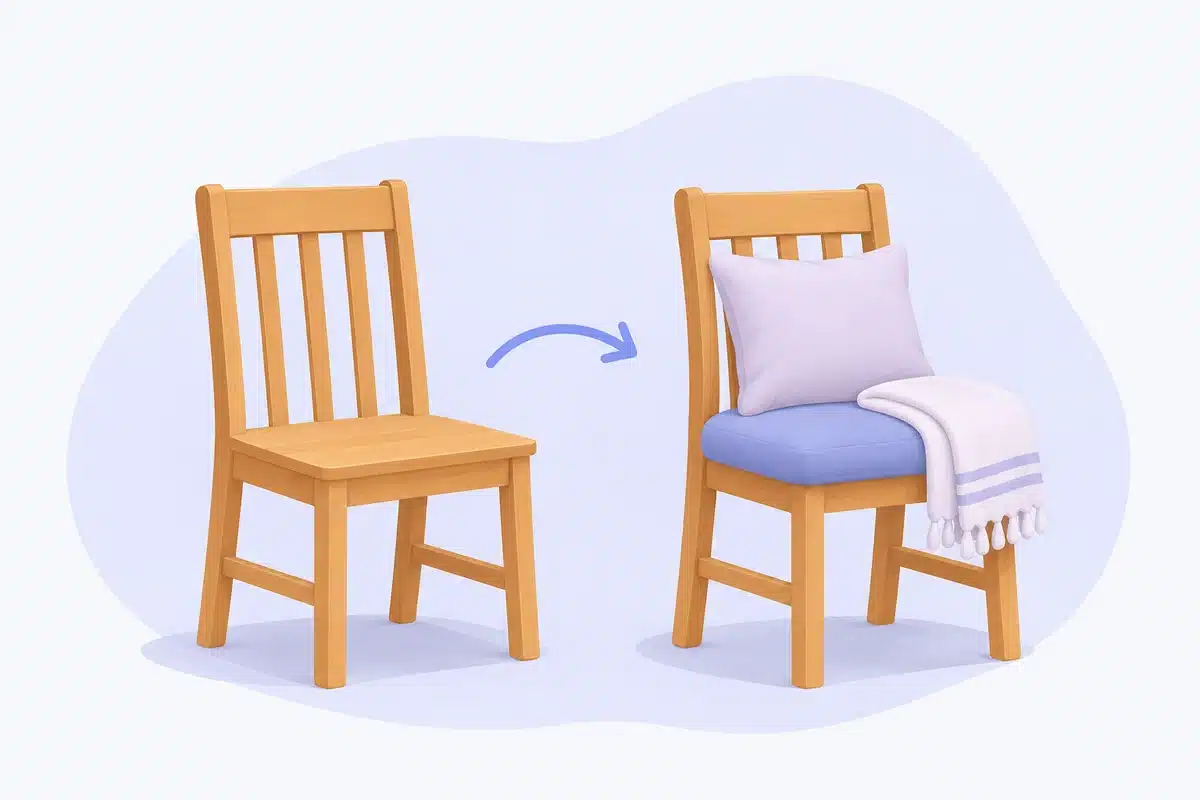
A sentence can be correct and still tiring to read. A bit like a straight-backed wooden chair: it holds up, but after ten minutes, you’re looking for another seat (and so is your reader). Rephrasing adds cushions (without changing the meaning, without betraying the idea).
I am following up regarding my request from last week, to which I have still not received a reply.
I’m following up on my request from last week.
Would you have a moment to look at my request from last week?
Hi! Just checking whether you’ve had a chance to look at my request.

On nation.ai, you can also explore rephrasing with the Rephrase a text page, or work on a more natural style via Humanize AI text (useful when text seems too mechanical, too smooth, too “copy-pasted from a robot”).
Simple instructions (copy, paste, correct, rephrase)
You don’t need to be a linguist or know the jargon of language models. You follow a simple, almost mechanical process (and that’s a good thing). Copy. Paste. Breathe.
- 1
Paste your text (email, paragraph, assignment, post).
- 2
Request a correction (spelling, grammar, punctuation).
- 3
Add context: who you’re writing for, what tone you want, what format you’re aiming for.
- 4
Request rephrasing if the text needs more clarity or impact.
- 5
Proofread and approve (you always have the final say).
Copy-paste or extension: which to choose?
Copy-paste works for 90% of needs, especially if you’re correcting a paragraph or an email. An extension becomes useful if you write in your browser all day, because it saves you the back-and-forth. In both cases, look for simplicity: the fewer steps, the more you’ll actually correct your writing (instead of putting off proofreading until “later”).
A handy tip: if you often type without apostrophes or capitals (foreign keyboard, temperamental phone), ask for an “apostrophes and capitals” pass. The AI tidies up, as if it were sticking the labels back on the jars (and you find your words faster).
Simple tip: if you want to improve, also ask for a brief explanation of the most important corrections (not all of them, or you’ll be there all night). The goal isn’t to collect rules; it’s to write better tomorrow (and write quickly today).
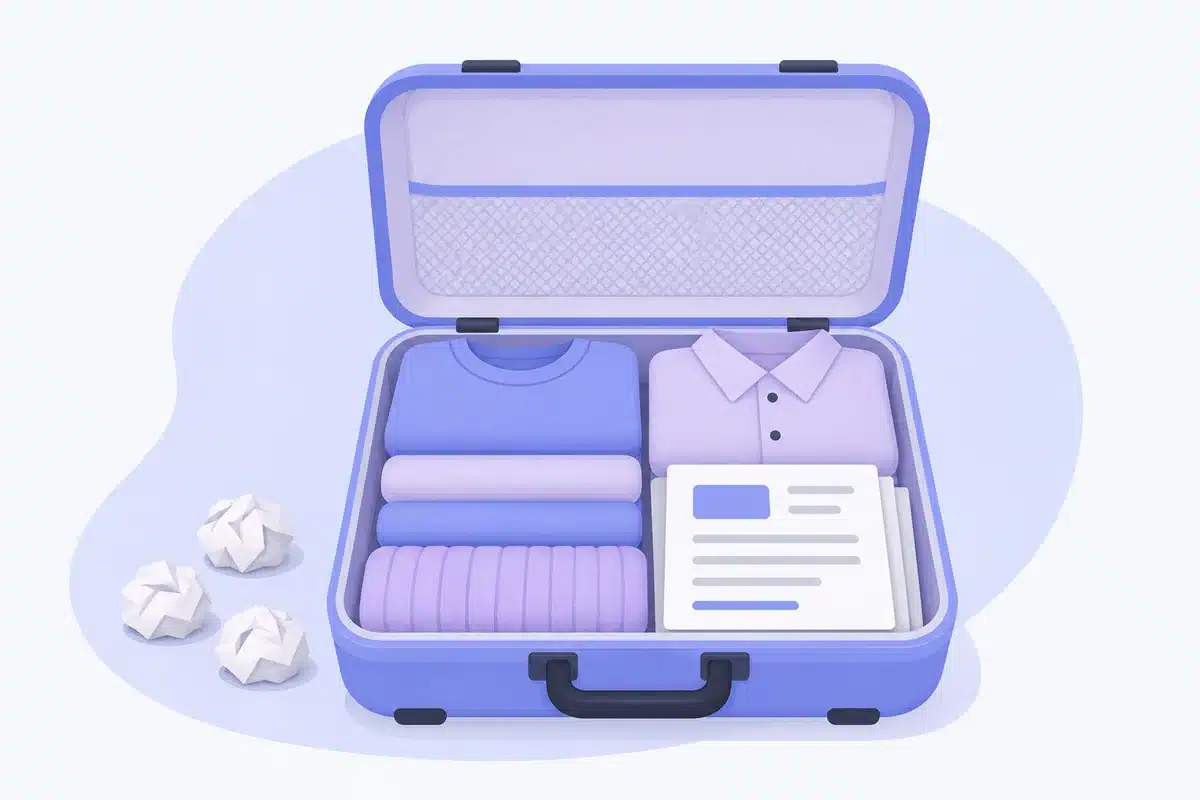
If your text were a suitcase, correction would remove the prohibited items. Rephrasing would arrange the clothes so the suitcase closes (without the zipper screaming). And you decide what you’re taking (it’s your message).

Nation AI: the guided checker for those who want buttons, not prompts
Nation AI takes a simple approach: remove the stress of the blank page and the perfect prompt. Instead of asking you to “write a prompt,” the interface offers pre-prompt buttons, including an error correction button. You click, you paste, you get a correction (and you can request rephrasing in one go).
If you want to try it right away, open Nation AI chat and choose the “Correct a text” button. You can start without creating an account (handy when you just want to correct text quickly). It’s particularly useful for people who want a clear, direct tool without hidden menus (older adults, for example, or anyone who prefers a remote control to a cockpit).
The explanations the AI provides are useful when you want to improve (without turning your evening into night school). And if you’re looking for a broader view of the tool, the Free AI page summarizes the approach well (simple access, direct use, no detours).
A detail that changes everything: when you have a big “Correct” button, you’re not negotiating with a machine. You’re using a tool (like a calculator, but for grammar). It’s simple, but it makes life easier.
Correct with AntoineExamples of ready-to-copy requests (emails, resumes, assignments)
You’ll save time if you give a short instruction and some context. No need to write a novel. You can copy-paste these examples and adapt them (yes, even if you don’t like writing instructions).
Correct and understand
Correct this text in English (spelling, grammar, punctuation). Explain 3 important corrections to me in one sentence each. Here’s the text: [PASTE HERE]

Improve an email
Rephrase this email to make it professional and warm. Keep the message and shorten it by 20%. Here’s the email: [PASTE HERE]

Polish a cover letter
Correct my cover letter and suggest 2 versions: (1) very traditional, (2) more modern and concise. Here’s the letter: [PASTE HERE]
If you’re working on a cover letter, you can also read how to write a cover letter with AI to avoid overly generic phrasing (that classic letter that reads like all the others).
Think of your instruction as a label on a jar. If you write “sugar,” you get something sweet. If you write “powdered sugar for a light cake,” you get a finer result (and so does your text).
Privacy and sensitive content: best practices
An AI checker processes text. Sometimes this text contains personal information (name, address, client file, HR records).
So, follow these best practices:
- 01
Anonymize what isn’t necessary
- 02
Avoid ultra-sensitive data
- 03
Proofread before sending
A writing assistance tool saves you time, but final responsibility remains with you (it’s your signature).
Another point: if you’re writing for a company, set an internal rule. For example: “no non-anonymized client data in an external tool” (it’s simple, and it avoids complicated discussions). You can also paste only the sentences you want corrected, not the entire document (that works very well).
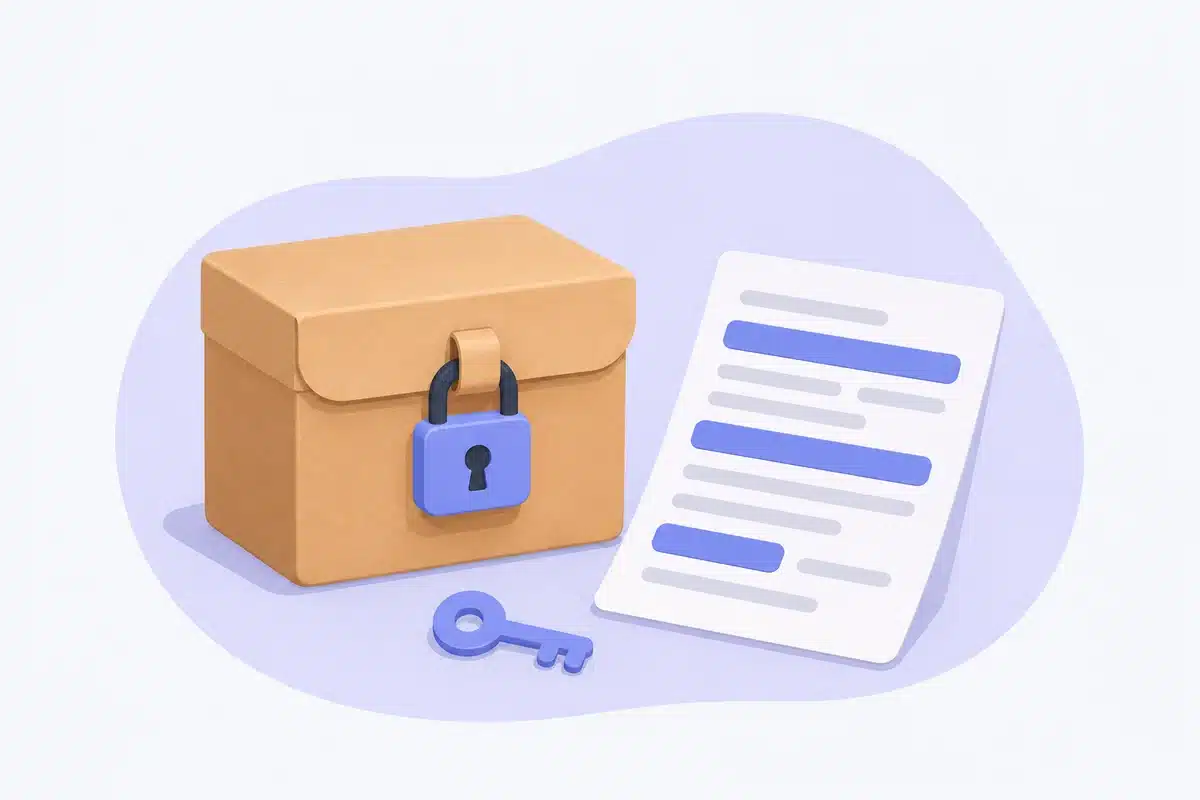
A text isn’t just words. Sometimes it’s a small cardboard safe. It looks ordinary, but it contains important things (and only you know what should stay inside).
Common mistakes, explained one by one
Our guides help you pick the right word in seconds and spell tricky words with confidence.
Commonly Misspelled Words: The Right Spelling, the Mistake, the Trick

There, Their, and They’re: How to Pick the Right One Every Time

Your vs. You’re: Say “You Are” in Its Place
Its vs. It’s? The Two-Second Swap Test Settles It
Who vs. Whom, Settled by the He or Him Test
Lay vs. Lie, the Past Tense Trap and the Object Test
Affect vs. Effect: The Verb, the Noun, the Exceptions

Ready to try?
Antoine AICorrect a text