Key takeaway: if Character AI seems inaccessible, a general outage is rare, with the service showing an uptime of 99.4%. The problem often stems from the cache, a VPN, or an outdated application. Before panicking, checking the official status page quickly rules out a major technical incident and helps restore the connection.

Are you waiting for a reply that never comes, and Character AI isn’t working at the worst possible time? Don’t worry, this radio silence often comes from a simple, easy-to-fix local setting. Here are practical tips to restart your conversations without relying on server availability.
Demystifying Character AI Outages: Is It Really Down?
The First Step: Check Server Status
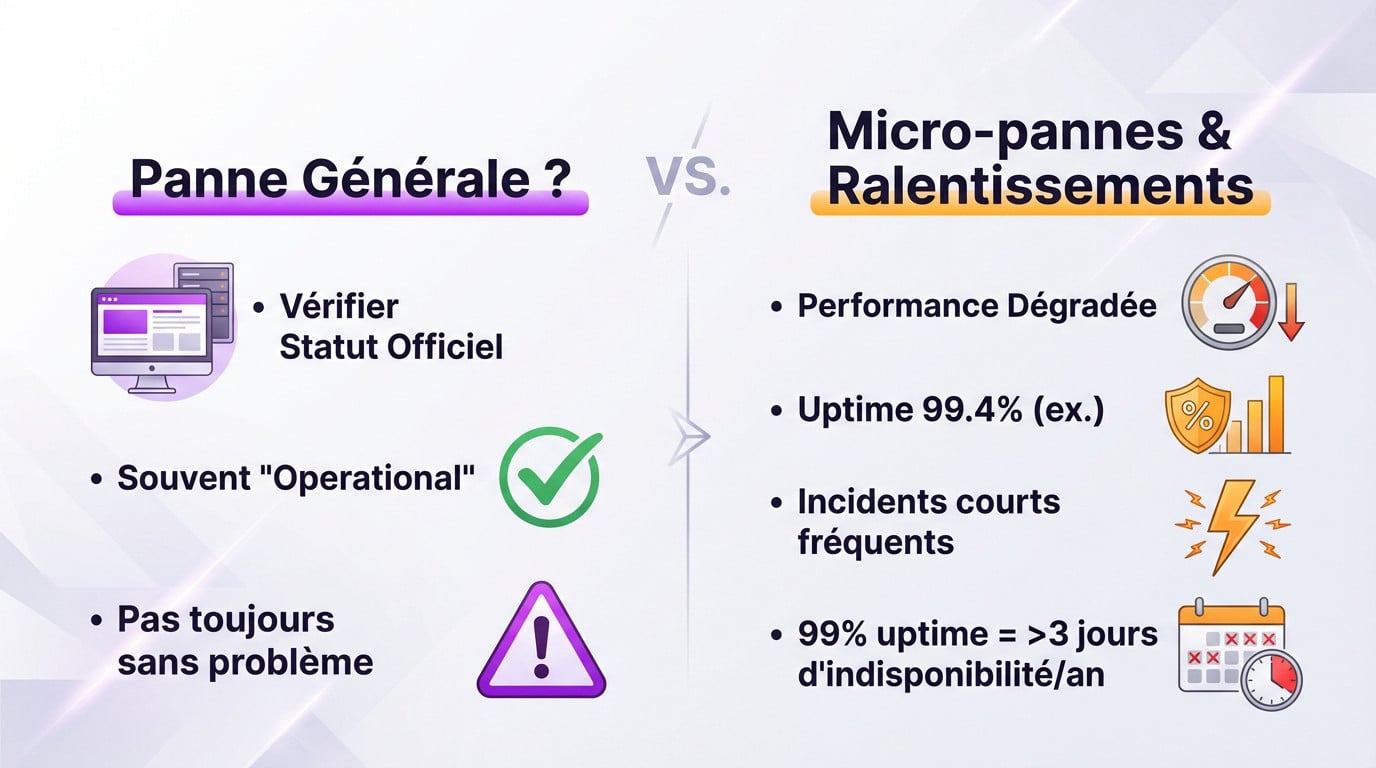
Your first instinct is logical: to check the official status page. Often, everything is marked “Operational” there, which contradicts the idea of a general outage. Yet, your chat stubbornly refuses to load.
This green status absolutely does not guarantee the absence of momentary bugs. In fact, it’s this precise discrepancy that frustrates users the most on a daily basis.
Micro-Outages and Slowdowns
The real culprit is often degraded performance, not a total outage. Even with a recent 99.4% uptime, micro-outages still occur. This is often when Character AI isn’t truly working for you.
A service that is 99% functional can still be unavailable for more than 3 days a year. These outages, even short ones, are the ones you notice.
The Culprit Might Be On Your End: Simple Solutions
Essential Troubleshooting Steps
Before blaming the servers, check your own screen. These technical steps often resolve the issue when Character AI suddenly stops working.
- Clear your browser or app’s cache and cookies.
- Simply restart your browser or force quit the application.
- As a last resort, completely restart your computer or phone.
When Your Network Blocks Access
Sometimes, the problem stems from an overzealous security block. An enterprise firewall, school Wi-Fi, or an active VPN can identify traffic as suspicious and cut off access immediately.
Your own network security can become your worst enemy, blocking access to your favorite services without warning. This is a very common problem.
If the Problem Persists: Final Steps and Alternatives
If the screen remains blank, don’t give up. Here are the final checks before throwing in the towel.
The Fatal Oversight: The Update
An outdated browser is often the cause of display bugs. It sounds simple, but it can block everything. Quickly check if an update is available on your device.
What if we looked elsewhere?
If Character AI isn’t working, take the opportunity to check out the competition. You can discover the best free AI applications offering more freedom. Many are excellent conversational AI chatbots that are worth a look.
| Problem | Quick Solution |
|---|---|
| Browser Cache | Clear Data |
| Unstable Connection | Restart Router/Wi-Fi |
| Outdated Software | Update |
| Network Blockage | Disable VPN/Firewall |
In summary, major Character AI outages remain rare. Before panicking, remember to check your own connection or clear the cache: that’s often where the problem lies. With these few simple steps, you should quickly reconnect with your favorite characters for exciting new discussions. Happy chatting!