
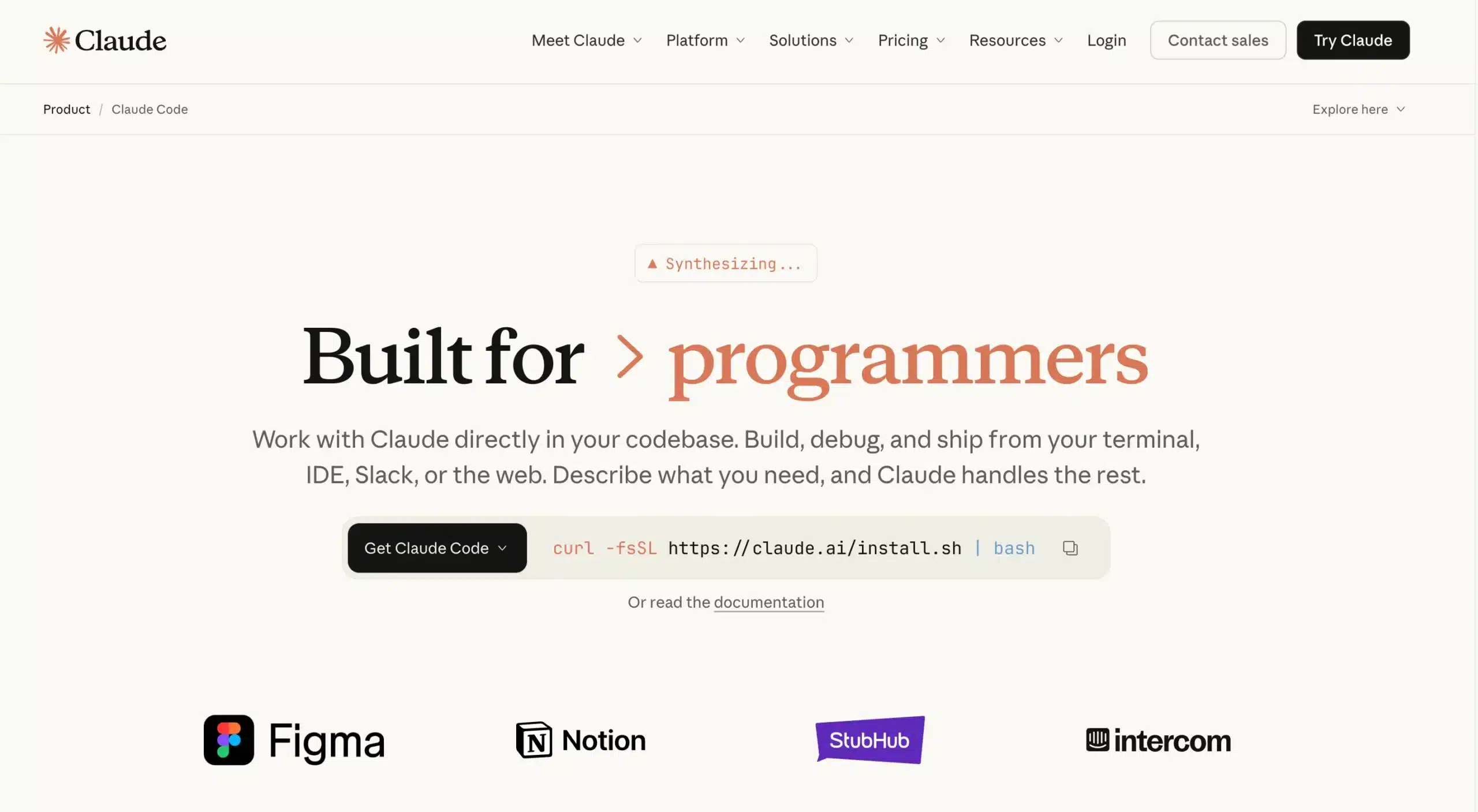
Key takeaway: Claude Code is not just for developers but acts as an intelligent agent capable of directly manipulating your local files. This innovation transforms the terminal into a conversational interface to automate administrative or marketing tasks without coding, thus ensuring increased productivity and complete confidentiality of processed data.

Do you think automation is exclusively for developers? With Claude Code, you can now control your computer and process your files simply by speaking French to it. Here’s how this tool will become your best ally to permanently eliminate repetitive daily tasks.
Claude Code: Much More Than a Developer Tool
The name might sound intimidating, but don’t be fooled. This section will show you why this tool is probably more accessible than your usual Excel spreadsheet.
Forget Programming, Talk to It Naturally
Don’t be intimidated by the name. Claude Code isn’t here to force you to learn C++. It’s an Anthropic conversational agent that understands your instructions in natural language, as if you were talking to a very skilled assistant.
The term “Code” only indicates that it interacts with your folder architecture, but the user remains far from technical syntax.
This method differs from typical ChatGPT alternatives, which often remain confined to their browser window.
The Key Difference: It Works on Your Files
The major distinction is simple: unlike a classic chatbot, this tool works locally on your computer. It scans, analyzes, and modifies your documents, spreadsheets, or text files directly at the source.
This is the “local-first” principle, a major asset for maintaining control over privacy.
The idea is to give you an assistant that manipulates your documents for you, without you having to touch a single line of code.
Concrete Use Cases for Non-Technical Users
Now that the basics are covered, let’s see what this tool is really capable of for profiles who, like you and me, are not developers.
Automate Repetitive Daily Tasks
The main benefit is to transform your manual and time-consuming tasks into fully automated processes. Just think about managing your competitive intelligence, summarizing endless reports, or quickly creating content variations.
Here’s how Claude Code concretely applies to your needs:
- For marketing: generate dozens of social media posts from a simple CSV file.
- For analysis: extract and summarize key points from hundreds of customer reviews effortlessly.
- For legal: check for specific clauses in a series of contracts.
Your Own AI Project Manager
Think of it as a personal “workflow agent”. You can literally teach it to execute a precise sequence of tasks using custom commands that you define yourself.
These commands are defined in a simple text file. No code needed, just a good AI prompt that explains what you want. Once defined, you can reuse this “workflow” indefinitely.
Getting Started: Simplicity First
This all sounds great, but is it complicated to set up? Not really, and that’s the whole point.
The Terminal Is No Longer Your Enemy
Claude Code relies on a command-line interface (CLI), that often intimidating “terminal”. However, its use here is completely demystified. Forget complex code. It only serves to launch commands in French.
A simple command like /init launches immediate configuration. You could even type /veille_concurrentielle to execute a task you’ve defined. The interface remains textual, but the logic is purely conversational.
Security, Pricing, and Comparison
Your data remains strictly on your premises. The tool works directly on your local files, an essential point for GDPR compliance and data sovereignty.
Regarding pricing, Anthropic integrates the tool into Pro and Team subscriptions. Access simply adjusts according to your actual needs.
To understand why this solution outperforms classic web interfaces, here’s a direct comparison that highlights the fundamental differences:
| Feature | Claude Code | Web Chatbot (e.g., Nation AI, ChatGPT) |
|---|---|---|
| File Access | Direct and Local | Limited to Copy/Paste |
| Automation | Native via Commands | Manual or via Complex API |
| Confidentiality | High (local data) | Depends on Service Policies |
| Context | Entire Project/Folder | Only Current Chat Session |
In summary, Claude Code democratizes terminal usage, making it an everyday ally, far beyond pure development. It’s the ideal tool to securely automate your tedious tasks on your machine. Don’t be afraid of the black screen: we promise, it doesn’t bite, and your productivity will thank you!