- LinkedIn accepts files of 8 MB at most, from 400 x 400 up to 7680 x 4320 pixels, in PNG or JPG; GIF files are not accepted.
- An edit made with AI is fine when the result still looks like you; LinkedIn can remove a photo that shows someone else.
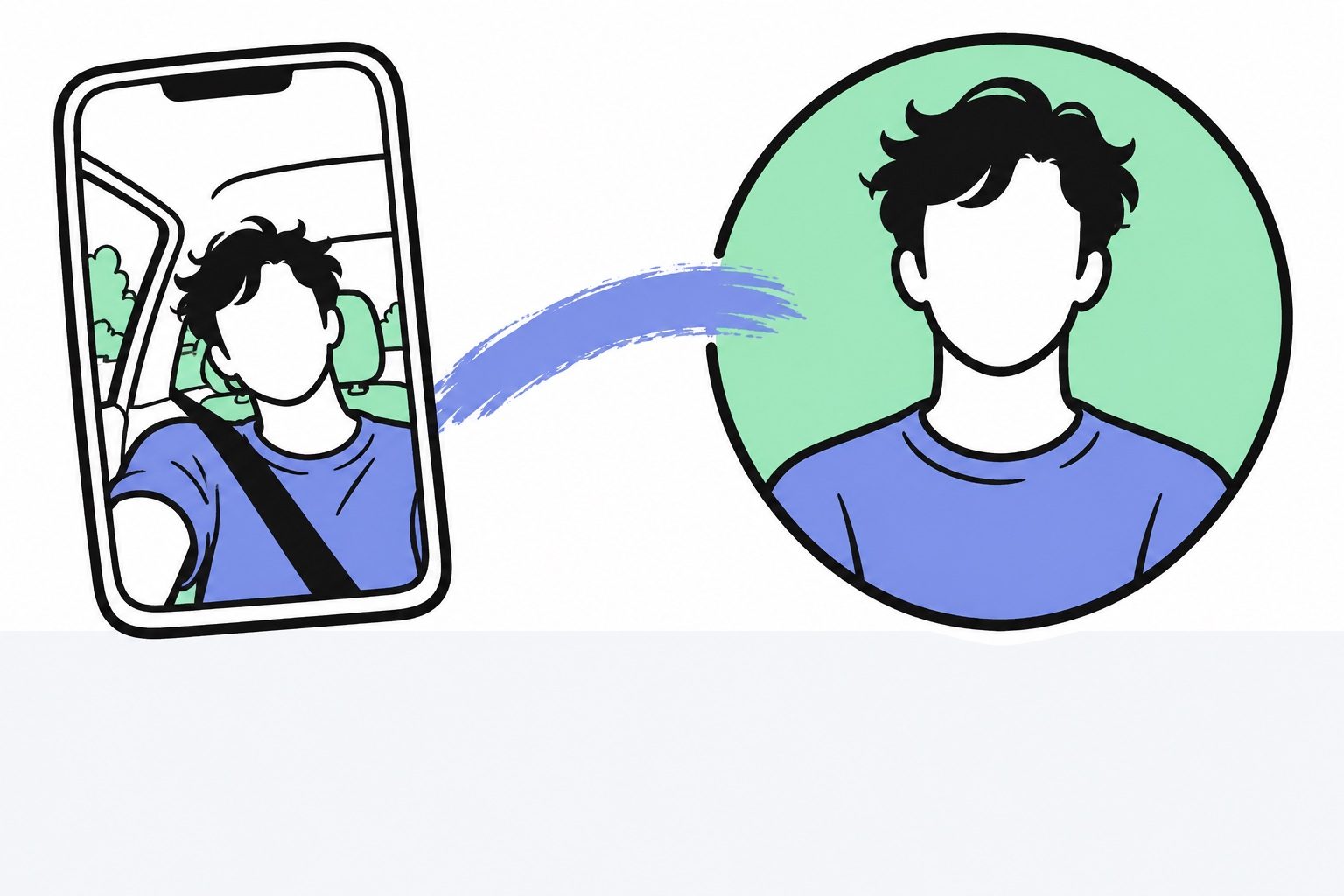
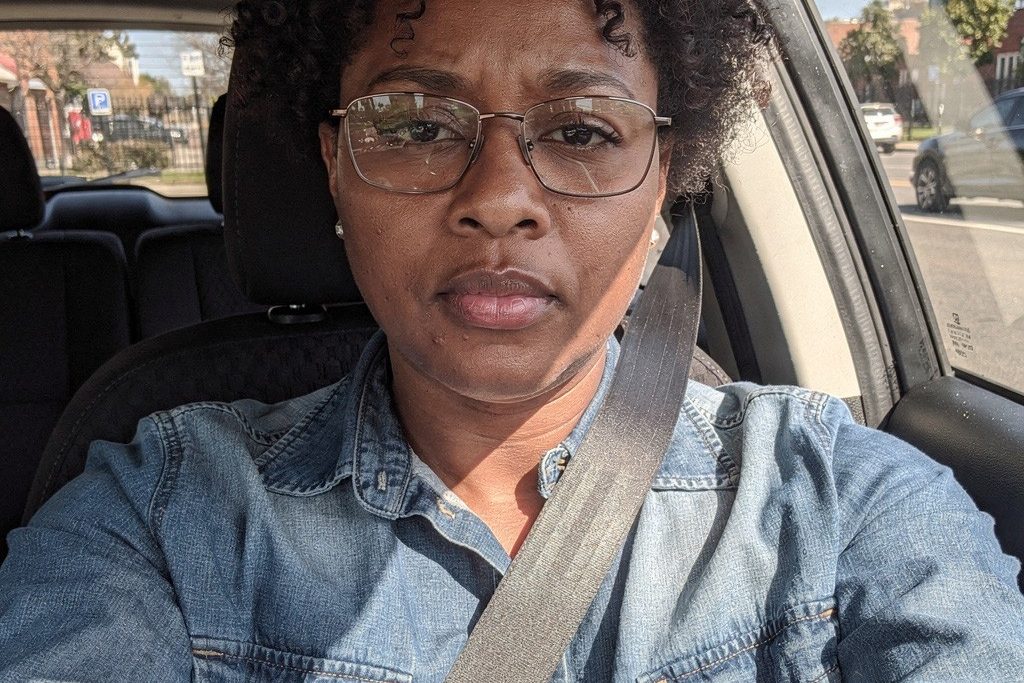
Dana, 45, sits in a parked car outside the office with a recruiter’s message open on the screen, and the newest photo of her is a car selfie, seat belt still fastened. The rules below, a few framing habits and three prompts to copy turn it into a headshot she can post tonight.
The Official Rules for a LinkedIn Profile Picture
LinkedIn’s stated reason for the photo is simple: it lets people see who they are connecting with. The technical limits and the photo policies sit on its help pages, and they are short.
| Rule | What LinkedIn says |
|---|---|
| Formats | PNG or JPG only; GIFs are not supported |
| File size | 8 MB at most |
| Pixels | 400 x 400 at the low end, 7680 x 4320 at the top |
| Likeness | It must show your likeness; a caricature or an illustration of you is allowed |
| What LinkedIn may remove | Photos of other people, stock images, celebrities, fictional characters, logos on their own, childhood pictures |
| Who can see it | You decide; the visibility setting sits with the photo |
The same policies rule out fake profiles, so the face has to be yours. Once the file is up, LinkedIn’s own editor can crop it, adjust it and rotate it, and six filters come with it.
How to Frame and Light It
LinkedIn’s tips page keeps the framing simple: a solo shot, your face filling about 60 percent of the frame, taken in natural light. Direct sun can blow the picture out, and the same page tells you to hand the camera to a friend instead of shooting another selfie. The advice stands for the picture you post; here, the selfie is only the raw material an edit starts from, never the photo to upload.
On the expression, a peer-reviewed study of posed professional portraits found that the smiling versions were judged more competent than the neutral ones, and the thoughtful pose came last; the role in the study was software development, a job where the face is not the skill. LinkedIn’s own figure, published in August 2024, says a photo makes a profile 14 times more likely to be viewed.
The Same Face, Twice
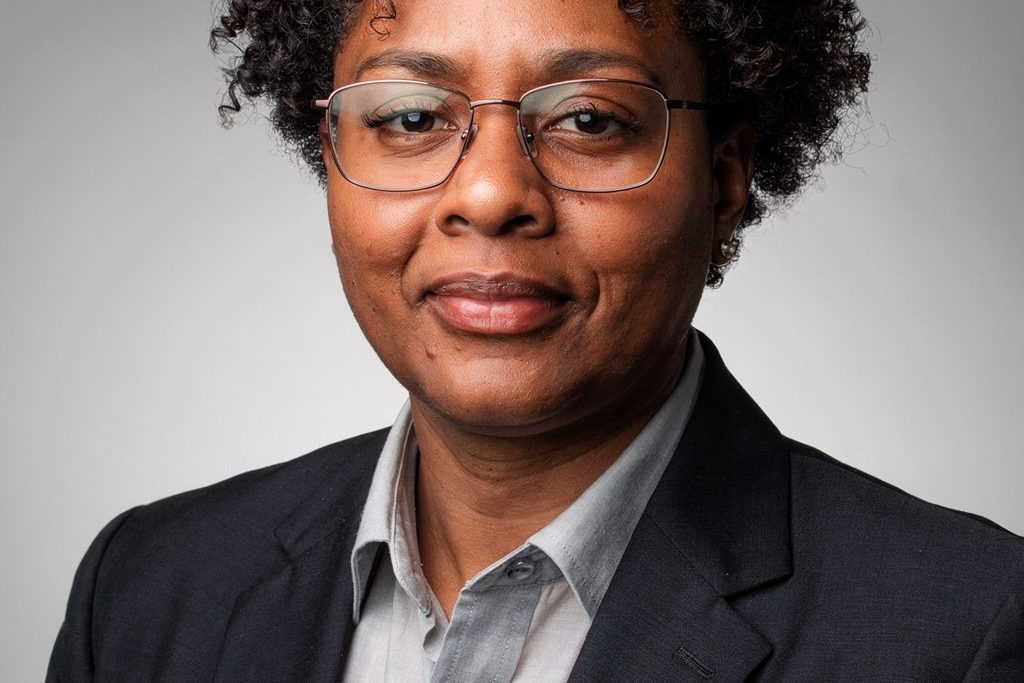
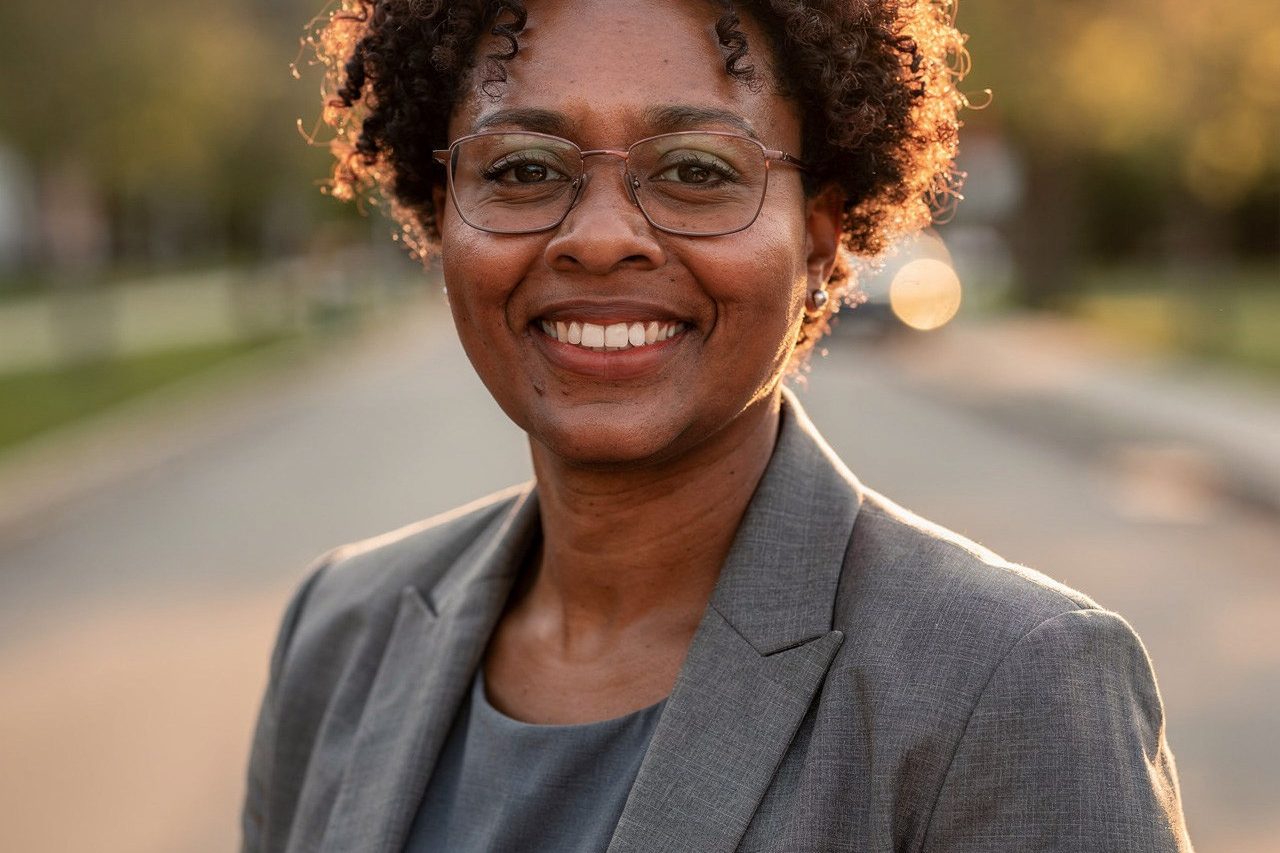
The faces in these pictures are fictional, and Niki made both: the first headshot from the car selfie, the outdoor one from that headshot, asked for next in the same conversation.
Before
After
Three Prompts to Copy
Each one starts from the photo you already have, and the same instruction runs through all three: your face stays yours.
Studio headshot
Turn this selfie into a professional studio headshot: head-and-shoulders framing, neutral gray backdrop with a soft gradient, classic studio lighting with the key light at 45 degrees and a gentle hair light. Dark blazer over a light shirt, confident and relaxed expression. Keep my face, age, hairstyle and skin tone exactly the same. The result should look like a photo taken by a professional photographer.
Pick it for formal fields, finance and law, where the dark blazer is close to a uniform.
Office window light
Turn this selfie into a professional portrait taken by an office window: soft natural morning light from the side, shallow depth of field with blurred desks behind me, smart casual outfit, waist-up framing, eyes on the camera with a subtle smile. Keep my face, age, hairstyle and skin tone exactly the same. The picture should feel natural, like a real photo taken at work.
Pick it when you want the picture to read like a normal Tuesday at work.
Approachable outdoor portrait
Turn this selfie into an approachable outdoor professional portrait: waist-up framing, standing in warm late-afternoon light on a quiet street or park path, background softly blurred, open posture and a genuine smile, smart casual clothing. Keep my face, age, hairstyle and skin tone exactly the same. The portrait should say competent and easy to talk to.
Pick it for client-facing roles, where a warm street does half the introducing.
If you want the wider frame around the topic, our guide to the AI headshot covers watermarks, quotas and rights.
Do It with Niki in Four Steps
Niki, the image coach at Nation AI, starts from the photo you send and edits it in the same conversation; no studio session is needed, and LinkedIn’s tips page prices one of those at $200 to $400. You run the whole edit inside the AI photo generator, from the upload to the final crop.
-
Pick the sharpest selfie
Choose the newest photo where your face is clear and in focus; a plain wall behind you makes the edit cleaner.
-
Send it through Edit/Modify Image
In the chat, pick Edit/Modify Image, then send the photo and say what the picture is for.
-
Paste a prompt, choose the square format
Paste one of the three prompts above, and pick the square format so the file fits a round crop.
-
Compare, save, then crop
Check the face still reads as you, save the file while it is there (it opens in HD and stays online for 48 hours), then crop so the face takes up about 60 percent of the circle.
When the picture is saved, our guide to a resume with AI keeps the rest of the application just as current.
Niki’s warning
LinkedIn’s policies require a photo that reflects your likeness, and the platform says it may take down photos showing someone else or failing to comply. When an image carries signed content credentials, LinkedIn can display the C2PA icon with a note on whether AI generated or edited any part of it; the rollout is gradual, so not every AI picture is labeled.
Niki
AI image generator
“Send me the selfie you already have and the look you want; I rebuild the light, the background and the outfit around the face you keep. Before posting, give the result your own check: the person in the circle still has to read as you.”
- The file is PNG or JPG and stays under 8 MB.
- The pixels reach at least 400 x 400.
- The face in the final crop is still unmistakably yours.
- The visibility setting matches who you want to reach.
Frequently Asked Questions
Are AI photos allowed on LinkedIn?
Yes, provided the picture still looks like you. LinkedIn’s rule is that the photo must show your likeness, and an illustration or caricature of yourself is allowed on the same terms. The platform also states that it cannot label every AI-made or AI-edited image yet.
Should I smile?
Yes. In the posed-portrait study above, smiles raised the perceived competence of the models, and the thinking pose scored lowest.
What size should the file be?
At least 400 x 400 pixels, up to 7680 x 4320 at the top; PNG or JPG, and no heavier than 8 MB. LinkedIn also recommends a file that needs little cropping.
Can an employer ask me for a photograph?
Before making an offer, employers should not ask an applicant for a photograph, per the EEOC’s guidance on hiring; if one is needed for identification, it can be taken after the offer is accepted. The guidance covers hiring steps, not the profile you keep online.
Your headshot is one conversation away
Send Niki the car selfie, paste a prompt, and post a picture that follows LinkedIn’s rules. The trial is free, with no account or card, and a few messages come with it.
Sources
- Photo won’t upload to your profile, LinkedIn Help.
- Add, change, edit, or delete your LinkedIn profile photo, LinkedIn Help.
- Profile photo guidelines and conditions, LinkedIn Help.
- 10 Tips to Take Professional LinkedIn Profile Pictures, LinkedIn blog, 1 August 2024.
- Professional Community Policies, LinkedIn.
- Content credentials, LinkedIn Help.
- How to pose for a professional photo: The effect of three facial expressions on perception of competence of a software developer, Australian Journal of Psychology, 2020.
- Prohibited Employment Policies/Practices, U.S. Equal Employment Opportunity Commission.